> ## Documentation Index
> Fetch the complete documentation index at: https://parabola.io/docs/llms.txt
> Use this file to discover all available pages before exploring further.
# Course overview & quick start guide
> Learn to automate data ingestion from vendor emails, PDF attachments, and messy spreadsheets — no more copy-pasting.
This is a **Parabola 201** course. We recommend completing [Parabola 101: Foundations](/parabola-university/101/fundamentals/start-here) before starting here.
## Who this course is for
If your job involves receiving files from vendors, carriers, or third-party logistics providers — and then manually reformatting that data — this course was built for you.
Here's a scenario we see constantly:
1. A carrier sends you a PDF invoice
2. You copy the line items into Excel
3. The paste is a disaster, so you spend an hour cleaning it up
4. You finally start the actual work: auditing charges, reconciling against a PO, prepping for upload
**That entire process can be automated.** This course will teach you how to build an end-to-end pipeline that handles it from the moment an email lands in your inbox.
**Common use cases:** Invoice parsing and auditing, digitizing bills of lading, consolidating inventory reports from multiple 3PLs, normalizing vendor packing lists, and preparing data for upload into an ERP.
In short? Anything that starts with receiving an email.
***
## Meet Parabola's Extract from email step
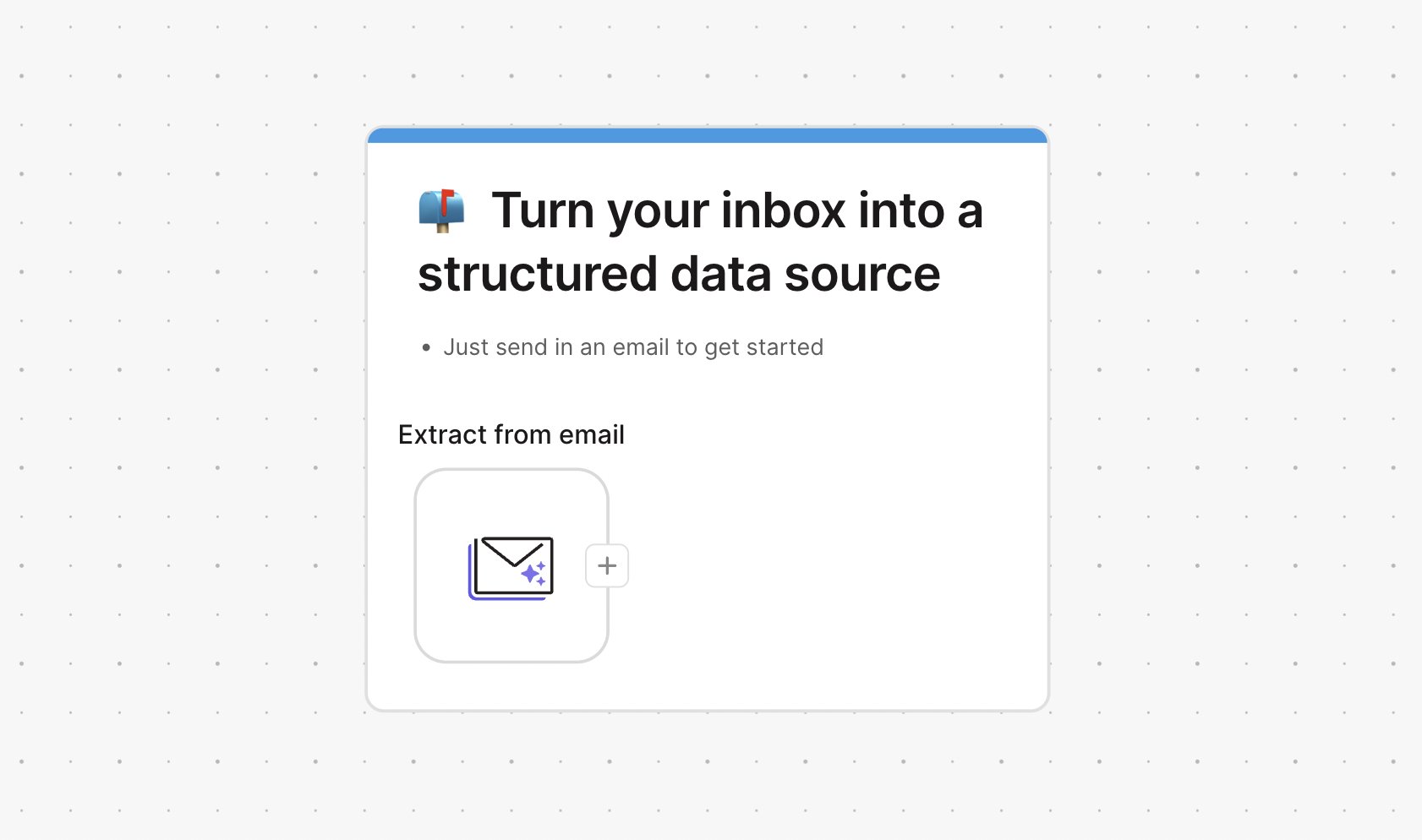
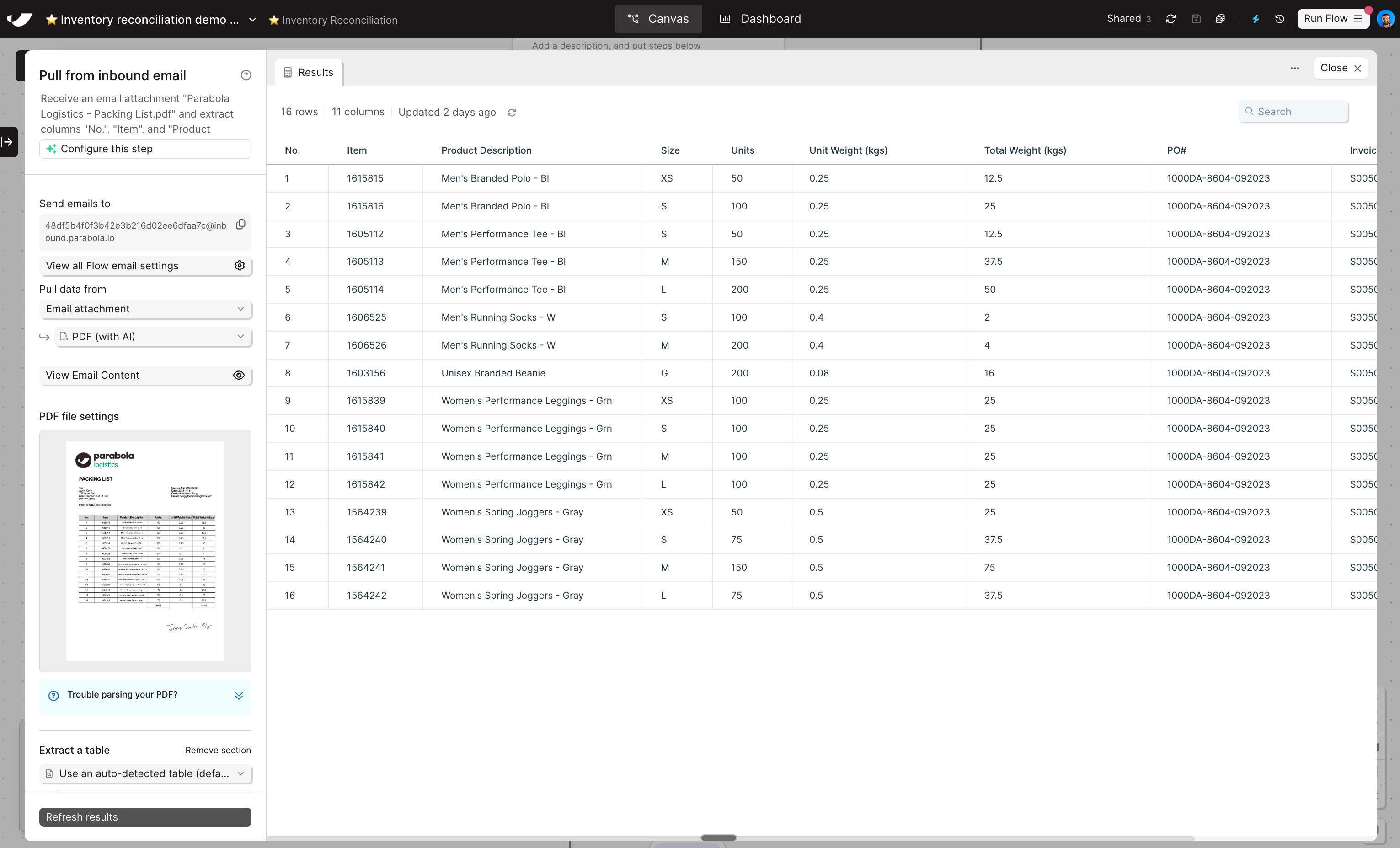
The **Extract from email** step turns messy inbound data into clean, usable tables. It works with three types of data sources:
| Source | What it handles |
| --------------------- | ------------------------------------------------------------- |
| **Email attachments** | CSV, Excel, JSON, and PDF files sent as attachments |
| **Email content** | From address, subject line, body text, CC, and more |
| **Both at once** | Attachment data combined with email metadata in a single step |
Under the hood, Parabola uses AI to translate unstructured data — even handwritten PDFs — into neat rows and columns ready for downstream transformation.
***
## Quick start guide & key concepts
Before we get into the details, it's useful to understand the pattern:
Every flow comes with it's own unique email address. If you add multiple "Extract from email" steps to the same flow, each step will have the same address. Different steps can extract data from different parts of the email — like different attachments.
Any time an email is sent to the address in your step, the Parabola flow will run and pull in data from the email. The first time you're setting this up, you can manually send in an email. Once you're ready to operationalize the flow, you can create an auto-forwarding rule.
In the step settings, you'll specify what data you want Parabola to extract from the email: the subject, data from the attachment, both, etc.
With data in the flow, you can build the same way as always: by chatting with Parabola.
In this course, we'll walk through the process end-to-end and get into the weeds so that you become an email ingestion expert.
Similar to Parabola 101, we'll work on a building challenge throughout the course to put your learnings into practice.
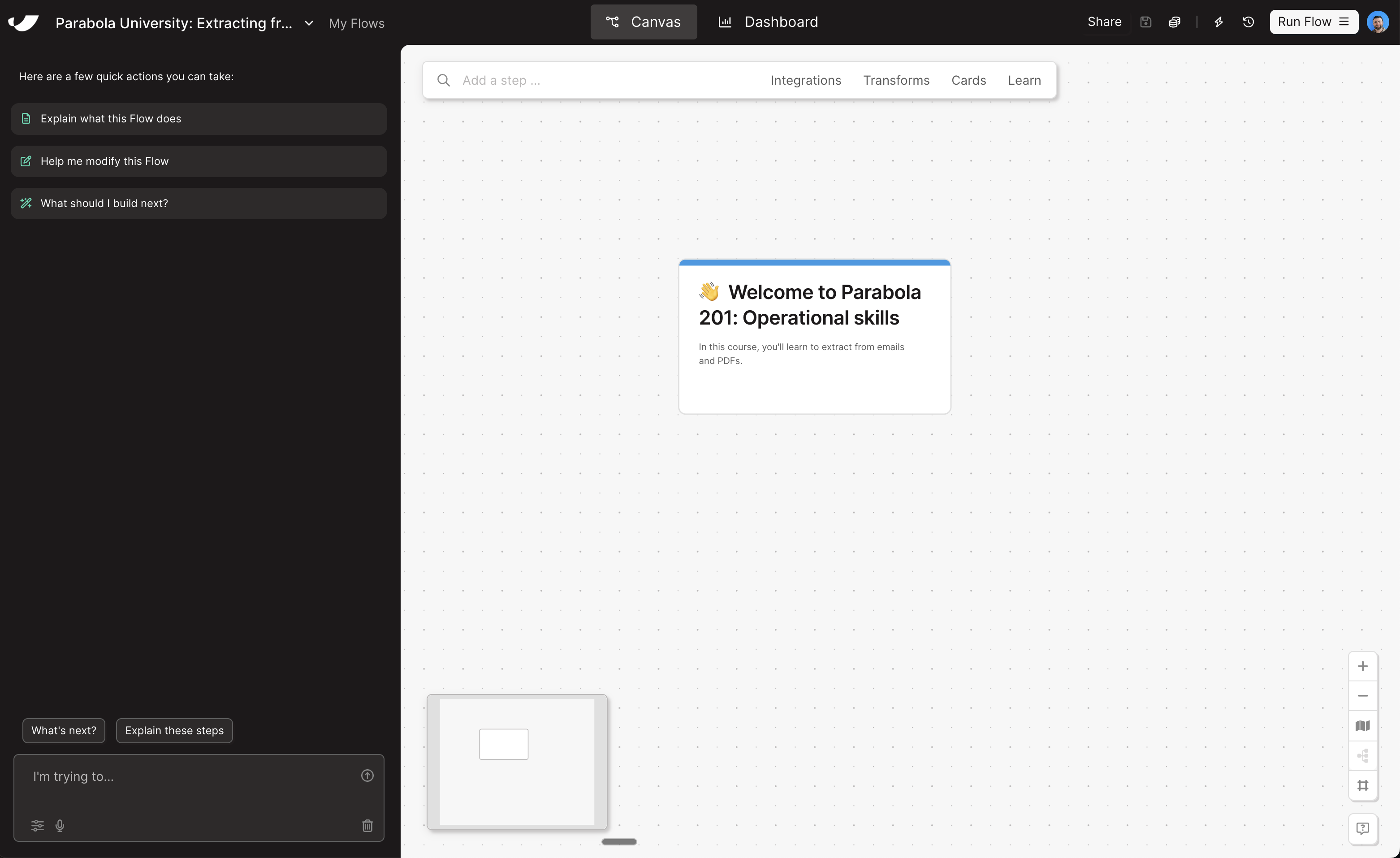
In this lesson, all you need to do is click [here](https://parabola.io/api/clipboard/42ac0e02-04ed-4f0e-929b-c358d2e5a0e6/copy_to_flow?name=Parabola+University:+Extracting+from+emails+and+PDFs) to create a new flow and download these sample data files:
* [PDF packing list ](https://drive.google.com/file/u/1/d/1fNwGV0tCAaPxMu-LqlDBJGSJPeTKc2So/view?usp=sharing)
* [CSV item list](https://drive.google.com/file/d/1L_FahHlYVDG7Tl7DYCYU8Lz1-lqNt24B/view?usp=sharing)
 Under the hood, Parabola uses AI to translate unstructured data — even handwritten PDFs — into neat rows and columns ready for downstream transformation.
 ***
## Quick start guide & key concepts
Before we get into the details, it's useful to understand the pattern:
***
## Quick start guide & key concepts
Before we get into the details, it's useful to understand the pattern: