> ## Documentation Index
> Fetch the complete documentation index at: https://parabola.io/docs/llms.txt
> Use this file to discover all available pages before exploring further.
# Ask mode
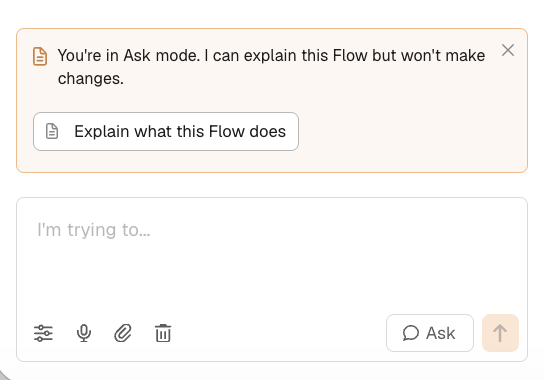
> Ask mode answers questions, explains steps, and helps you plan, without changing anything on your canvas.
Prowork has two modes:
* **Build mode** edits your flows as you chat.
* **Ask mode** answers questions without touching the canvas.
Explore a flow, think through a change, or get a teammate's flow explained to you, all without risking an edit you didn't mean to make.
## Toggle between modes
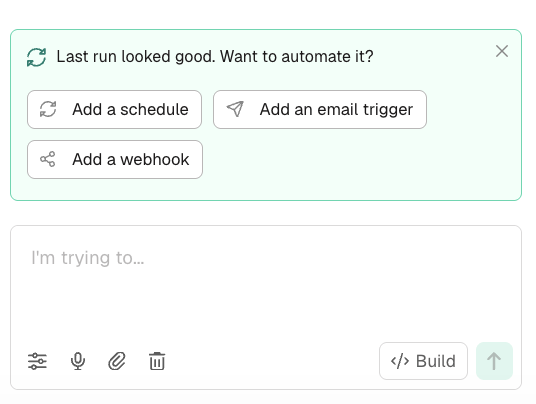
Switch between modes with the toggle at the bottom right of the sidebar.
| Build mode | Ask mode |
| :--------------------------------------------------------------------------------------------------------- | :------------------------------------------------------------------------------------- |
| The default. Prowork changes your flow as you chat: adds steps, edits configurations, rewires connections. | Answers questions, explains steps, and helps you plan. Nothing on your canvas changes. |
## When you're still working it out
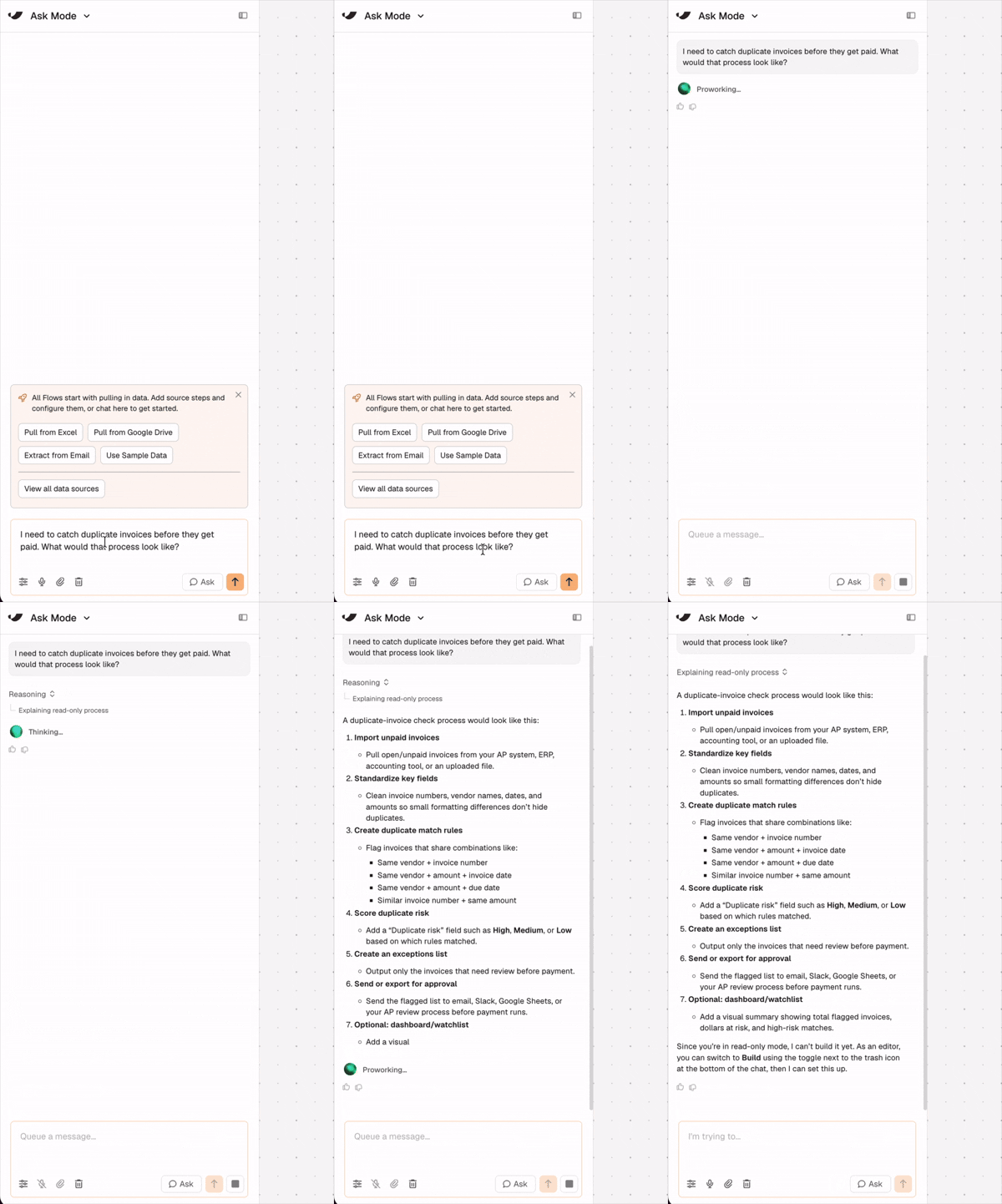
You don't need a fully formed process to start building. If you know the outcome you need but not the shape of the process that gets you there, describe the problem and let Prowork help you think it through before anything lands on the canvas.
* *"I need to catch duplicate invoices before they get paid. What would that process look like?"*
* *"What decisions do I need to make before building this?"*
* *"Is there a simpler way to structure this than what I described?"*
## When you're looking at someone else's flow
Ask mode is also how you understand a flow before touching it:
* Exploring a flow you didn't build or haven't opened in a while
* Reviewing a teammate's process before approving a change
* Planning a refactor before letting Prowork make edits
Flows opened with view-only access start in Ask mode automatically. Anyone who can see a flow can ask questions about it. No edit permission required.