# Edit your columns, all from one step

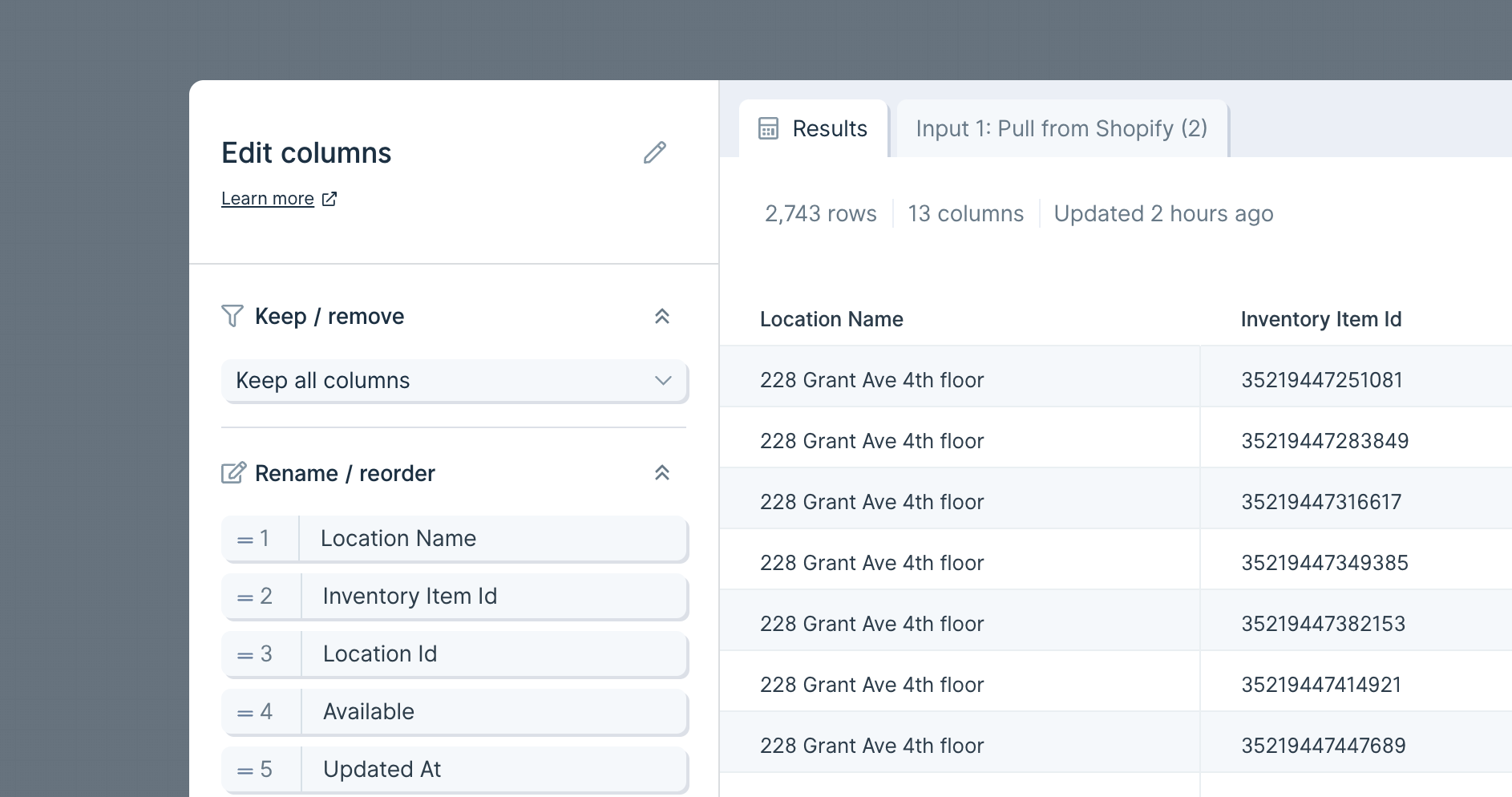
> <p id="">We’ve combined the <strong id="">Select columns</strong>, <strong id="">Rename columns</strong>, and <strong id="">Reorder columns</strong> steps into one, super powerful step: the <strong id="">Edit columns</strong> step! Now, from this single step, you can:</p><ul id=""><li id="">Keep or remove columns</li><li id="">Guarantee that selected columns are kept even if the input source removes them</li><li id="">Change the names of your columns</li><li id="">Update the order of your columns</li></ul><figure id="" class="w-richtext-figure-type-image w-richtext-align-fullwidth" style="max-width:1886px" data-rt-type="image" data-rt-align="fullwidth" data-rt-max-width="1886px"><div id=""><img id="" alt="" src="/images/cms/aHR0cHM6-68d5afb75ac89d17a73878df_6323903f6e7ce0c92b19cf87_edit-columns-wide.png" width="auto" height="auto" loading="auto"></div></figure><p id="">Note: If you are using the <strong id="">Select columns</strong>, <strong id="">Rename columns</strong>, or <strong id="">Reorder columns</strong> steps in older Flow, they will continue to work. Going forward, you will need to use the new <strong id="">Edit columns</strong> to make those column changes.</p><p id="">To read more about this step, check out our <a id="" href="/transform/edit-columns">Edit columns How To</a>.</p>

Source: https://parabola.io/updates/edit-your-columns-all-from-one-step

