This is a Parabola 201 course. We recommend completing Parabola 101: Foundations before starting here.
Who this course is for
If your job involves receiving files from vendors, carriers, or third-party logistics providers — and then manually reformatting that data — this course was built for you. Here’s a scenario we see constantly:- A carrier sends you a PDF invoice
- You copy the line items into Excel
- The paste is a disaster, so you spend an hour cleaning it up
- You finally start the actual work: auditing charges, reconciling against a PO, prepping for upload
Meet Parabola’s Extract from email step
The Extract from email step turns messy inbound data into clean, usable tables. It works with three types of data sources: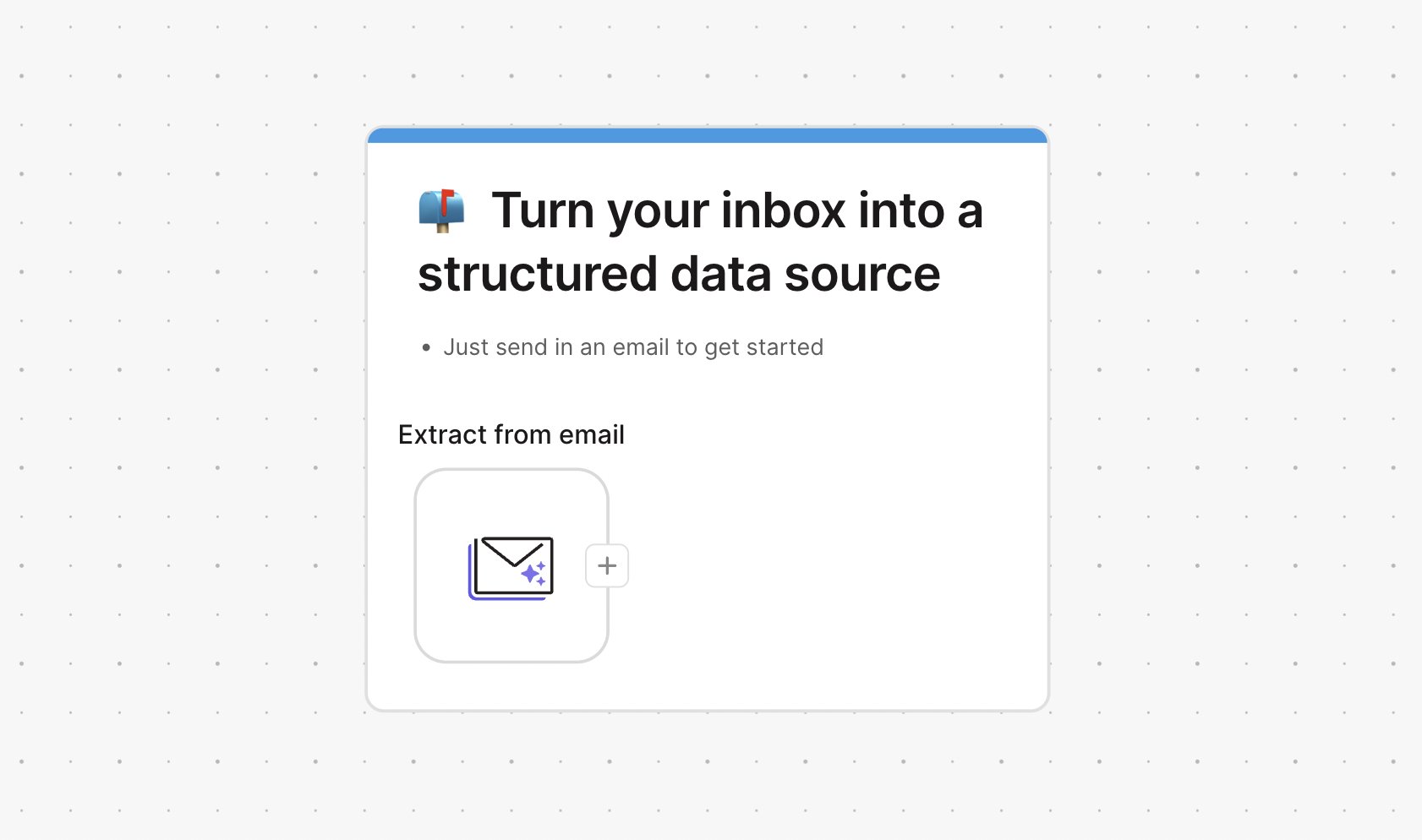
Parabola's Extract from email step
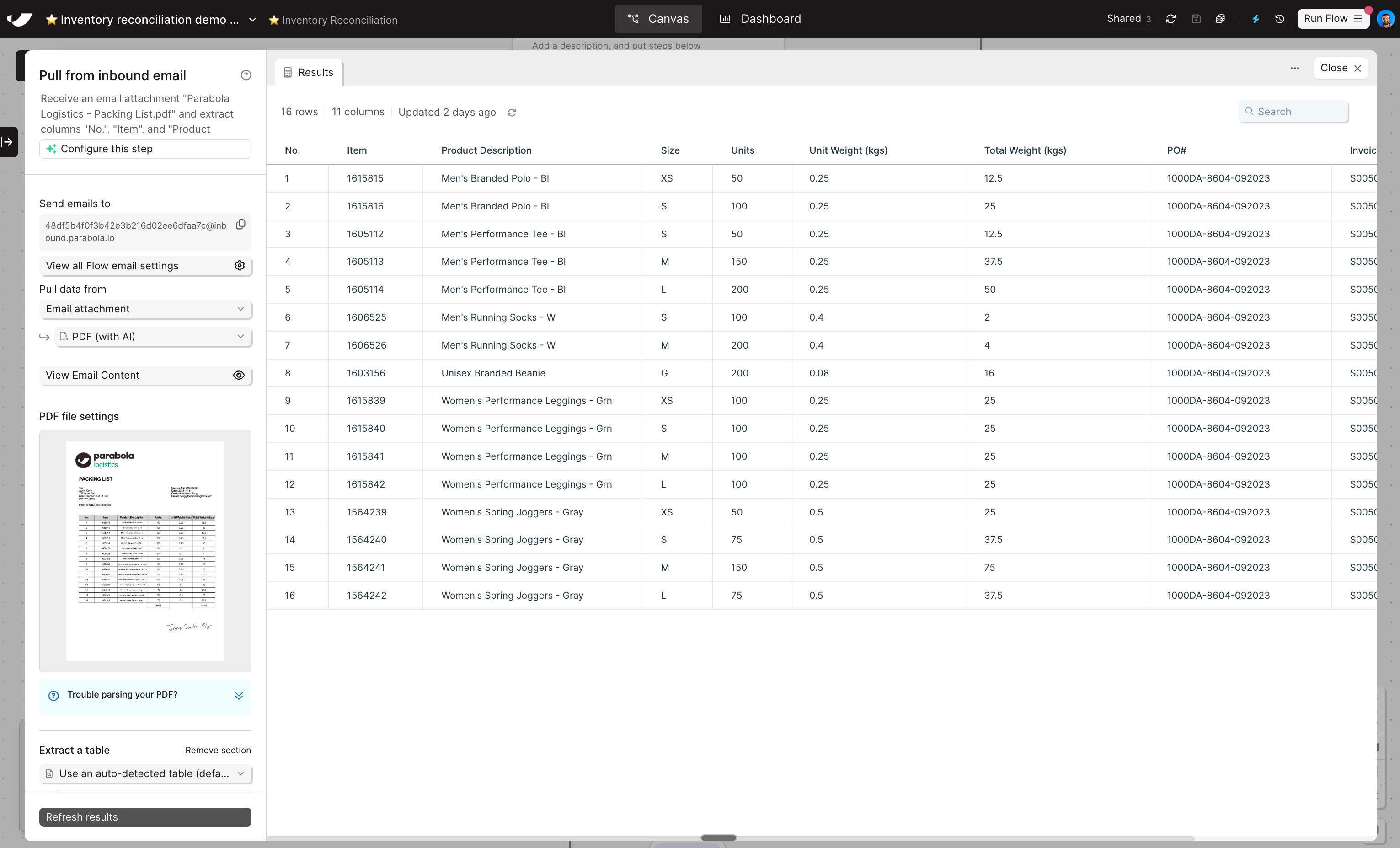
An example of Parabola's email ingestion step digitizing a messy PDF
Quick start guide & key concepts
Before we get into the details, it’s useful to understand the pattern:1
Create a flow and add an "Extract from email" step
Every flow comes with it’s own unique email address. If you add multiple “Extract from email” steps to the same flow, each step will have the same address. Different steps can extract data from different parts of the email — like different attachments.
2
Send an email to your flow's unique email address
Any time an email is sent to the address in your step, the Parabola flow will run and pull in data from the email. The first time you’re setting this up, you can manually send in an email. Once you’re ready to operationalize the flow, you can create an auto-forwarding rule.In the step settings, you’ll specify what data you want Parabola to extract from the email: the subject, data from the attachment, both, etc.
3
Finish the flow by building down-stream logic
With data in the flow, you can build the same way as always: by chatting with Parabola.
Building challenge
Similar to Parabola 101, we’ll work on a building challenge throughout the course to put your learnings into practice.In this lesson, all you need to do is click here to create a new flow and download these sample data files:
Check your work
Check your work