Documentation Index
Fetch the complete documentation index at: https://parabola.io/docs/llms.txt
Use this file to discover all available pages before exploring further.
Start with date & time row
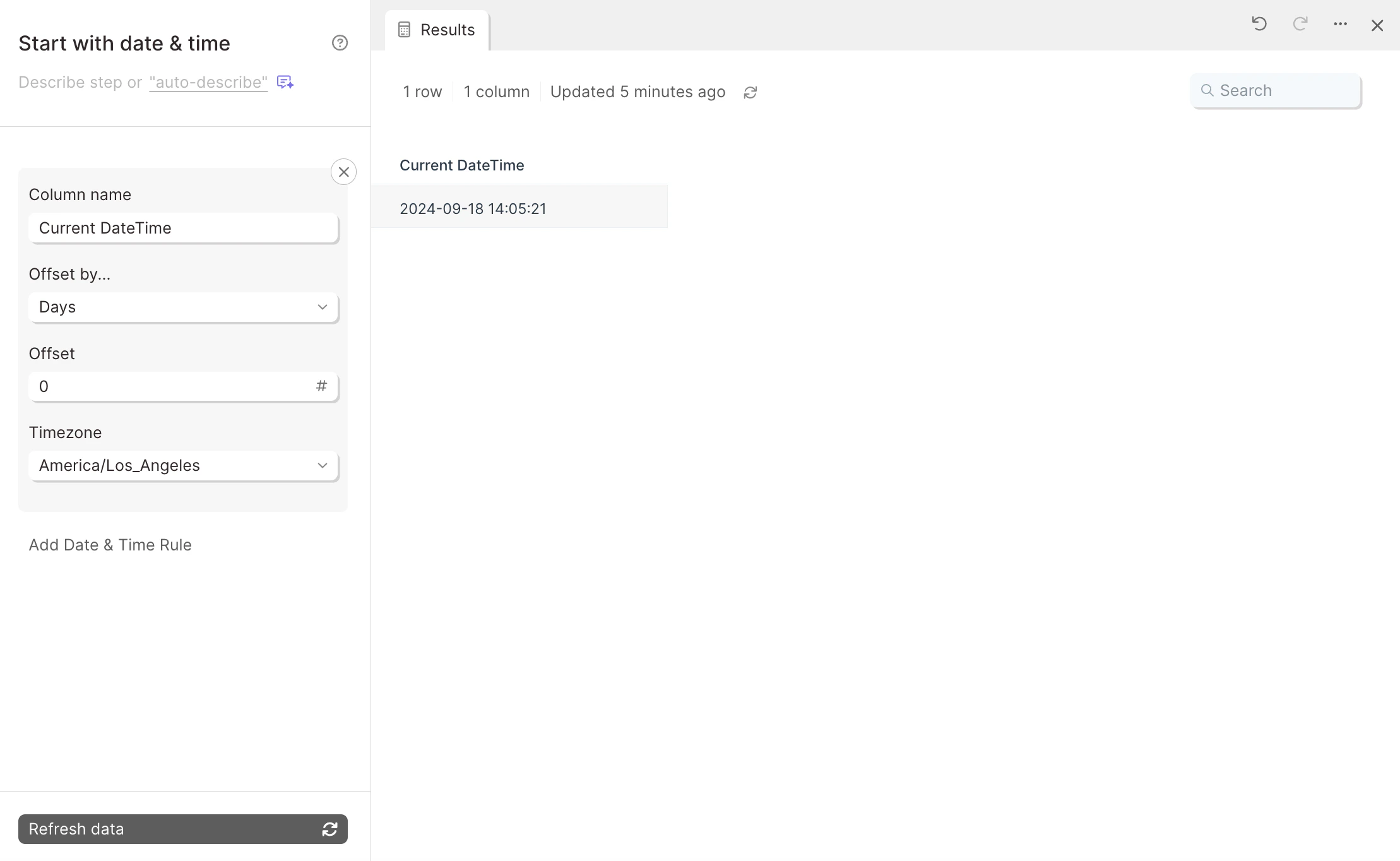
The Start with date & time row step creates a single row with the current date and time, with customizable offsets by day and timezones. As its name indicates, this step is a starting step so it does not accept any inputs. The current date and time will be determined automatically at the time the flow is run. You would start your flow off with the Start with date & time row if you need relative date data as one of your data sources. The most common use for this step is if you need to provide date variables when working with APIs. Many APIs require dates to be sent in order to pull the information that you need. Since manually adjusting those dates before every flow run would defeat the purpose of an automation, this Start with date & time row solves for that.Customize settings
You can add multiple rules to this step by clicking on the blueAdd Date & Time Rule link. Each rule will be represented in a new column.