

Input/output
The input table we’ll use for this step has 3 rows and over 100 columns. Every column represents a different car in our inventory.
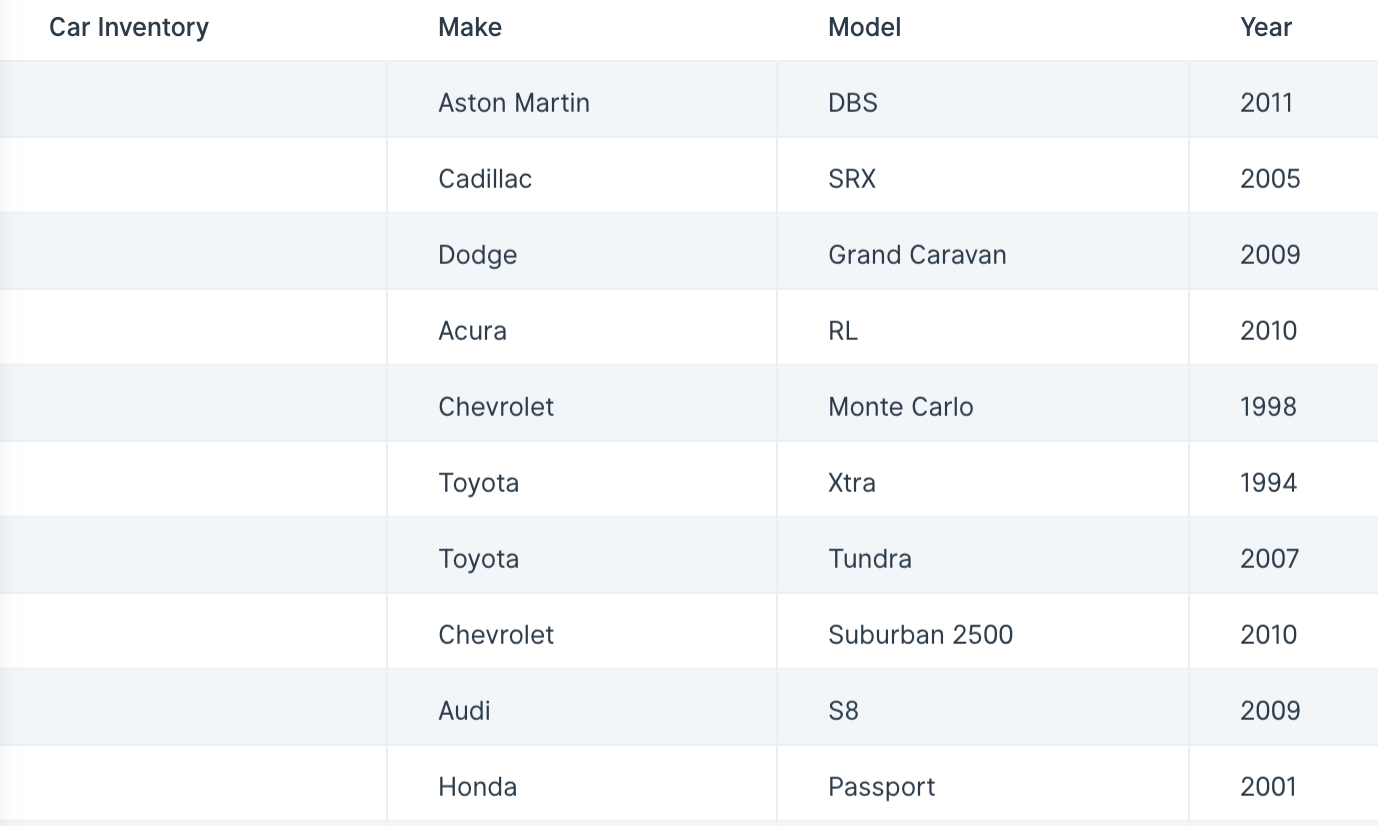
The Flip table step flips an entire table on its side, turning it 90 degrees. Imagine your column headers transform into rows. This step’s functionality is similar to the TRANSPOSE function in Excel.