

Input/output
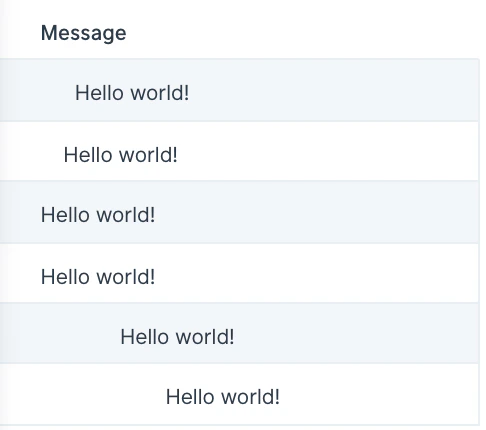
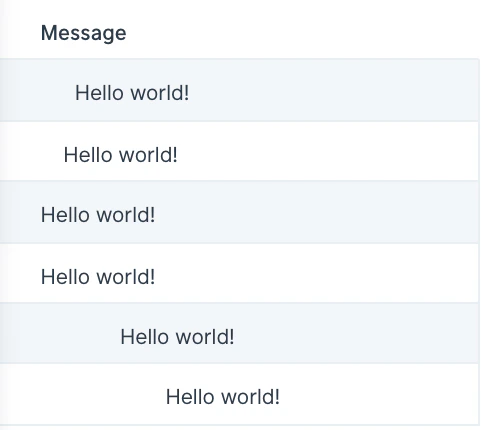
Our input data has a column of messages with numbers of various leading and trailing spaces.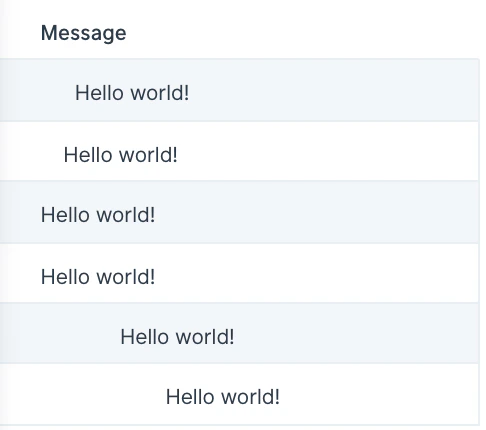
Default settings
When you first connect data into this step, by default your table’s first column will be auto-selected to clean and the option to Remove all spaces will be applied.Custom settings
To customize these settings, first choose the column(s) from the dropdown that the cleaning rules should apply to. You can either select to Clean the data in these columns or Clean the data in all columns except. Next, choose the cleaning options that should be applied to the specified column(s). The available options are:- Remove all spaces
- Remove leading spaces
- Remove trailing spaces
- Remove all punctuations
- Remove all characters
- Remove all numbers
- Remove all non-numbers
- Clean to use as JSON
Helpful tips
- This step is useful to use when you’re preparing data to send to an API using the Send to API step. If you encounter a JSON error when sending data to an API, try using the Clean data step first to see if it can quickly remove the special character(s) causing the issue.
- Looking for hidden characters? The “Clean to use as JSON” option is useful for identifying those that might not be visible