The Google Sheets alternative for more nuanced workflows
Discover how Parabola's automated workflow platform offers a powerful alternative to Google Sheets with reliable processes and advanced data transformation capabilities.
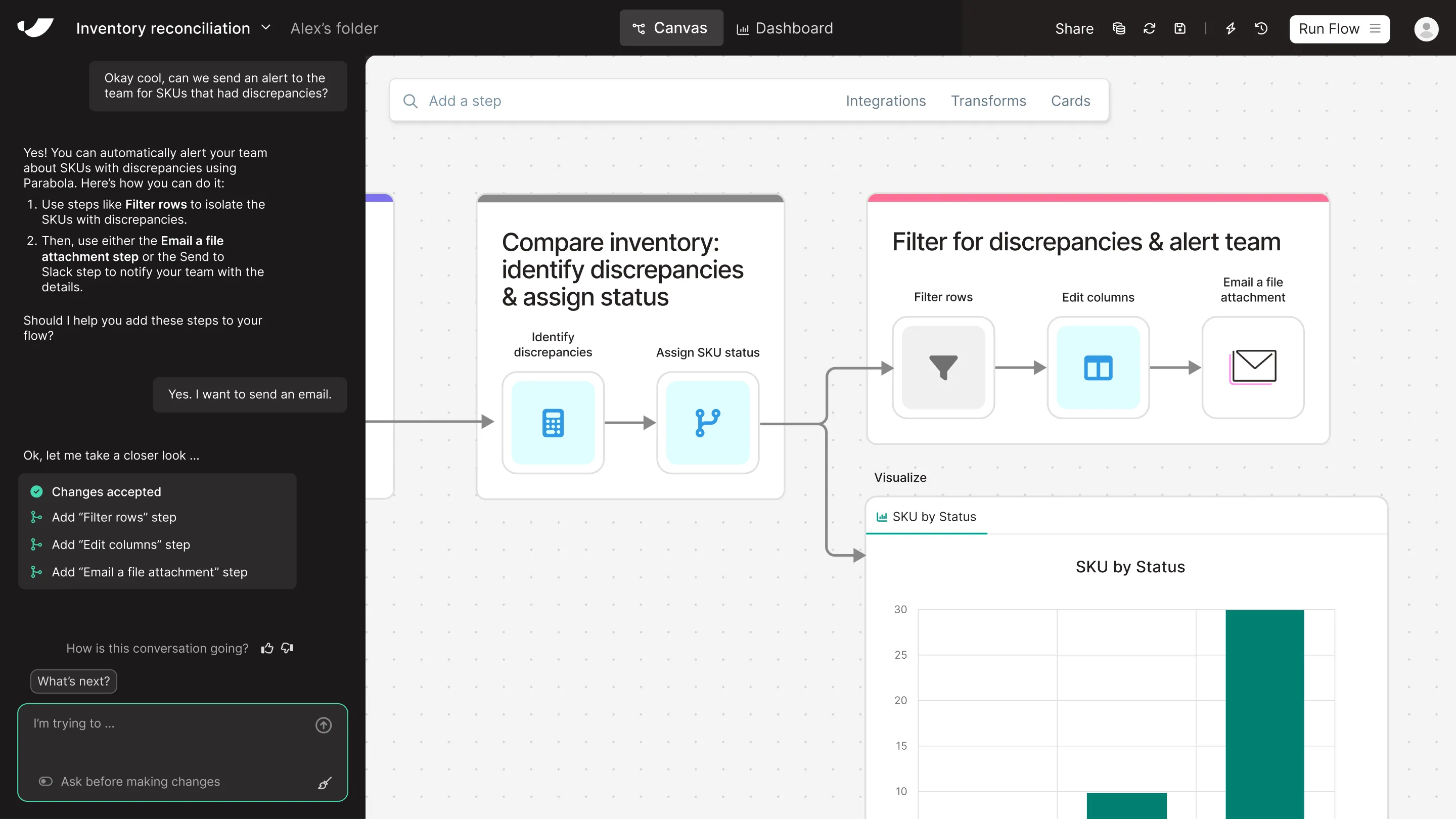

What's the difference between Parabola and Google Sheets?
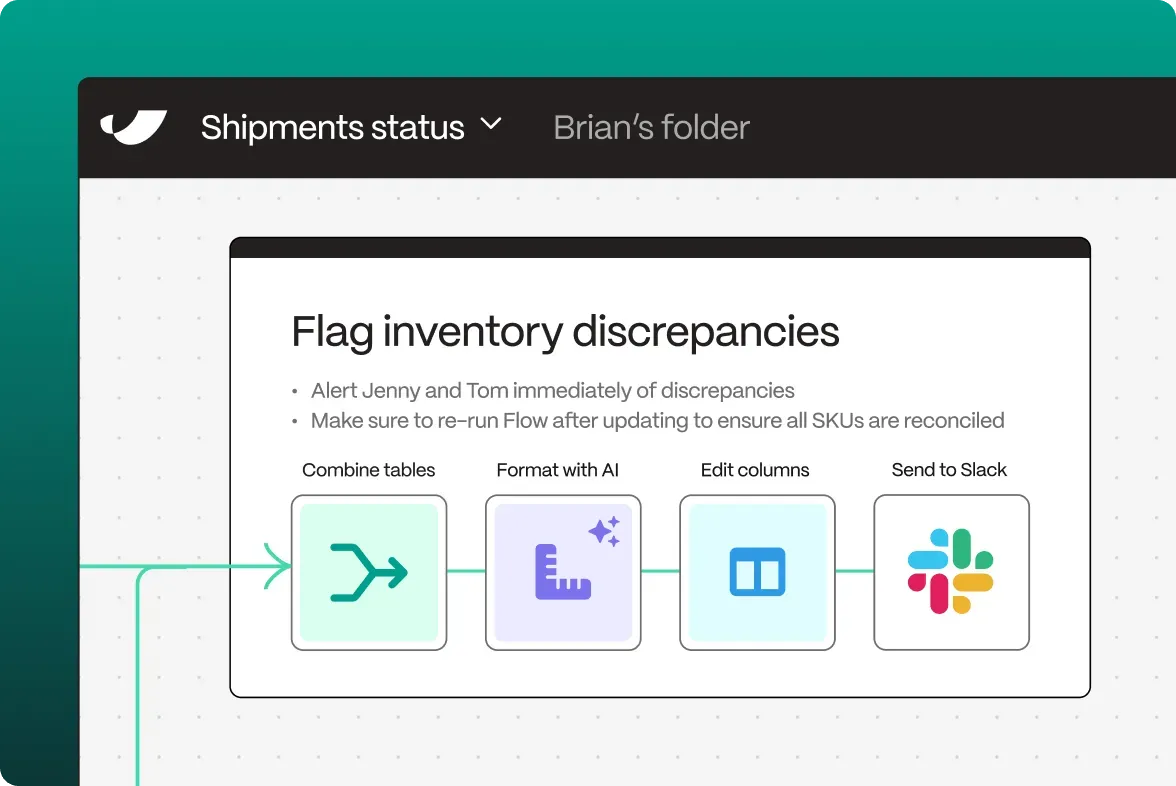
While Google Sheets excels at basic spreadsheet tasks and collaborative editing, Parabola transforms how teams handle data automation and workflow processes. Where Sheets requires manual data entry and complex formulas that often break, Parabola's visual workflow builder enables reliable, automated data processes that run consistently. Our platform eliminates the copy-paste fatigue and formula maintenance that plague spreadsheet users, while providing powerful automation capabilities that go far beyond what's possible in a traditional spreadsheet environment.
Get a demo




















Parabola vs Google Sheets feature comparison



Looking for a Google Sheets alternative?
Prove the ROI with Parabola before you're invoiced
and try our risk-free, 45-day proof of concept.
Turn messy data into automated workflows with Parabola.

Parabola vs. Google Sheets FAQ
Parabola automates repetitive data tasks that would require manual effort in Sheets. While Sheets needs someone to refresh formulas and copy-paste data regularly, Parabola runs your workflows automatically on schedule.
Parabola's workflows remain stable and consistent, unlike Sheets' formulas that can break with changing data structures. Our platform handles complex operations without the fragility of interconnected spreadsheet formulas.
While both platforms support collaboration, Parabola adds version control and workflow documentation. Unlike Sheets, where changes can break colleague's workflows, Parabola maintains consistent processes across your team.
Absolutely! Parabola integrates seamlessly with Google Sheets, allowing you to pull data from and push results back to your spreadsheets while automating the processes in between.
Parabola processes large datasets efficiently without the performance issues that plague Google Sheets. Our platform doesn't slow down or crash when handling the volume of data that would overwhelm a spreadsheet.
Parabola offers sophisticated data transformation tools that go beyond Sheets' formula capabilities. Our visual interface makes complex operations intuitive, without the need for complicated spreadsheet formulas.