The #1 no-code alternative to Make
Discover how Parabola's platform offers a familiar alternative to Make – if you've used Excel, you already know how to build powerful automations without parsing JSON or writing expressions.
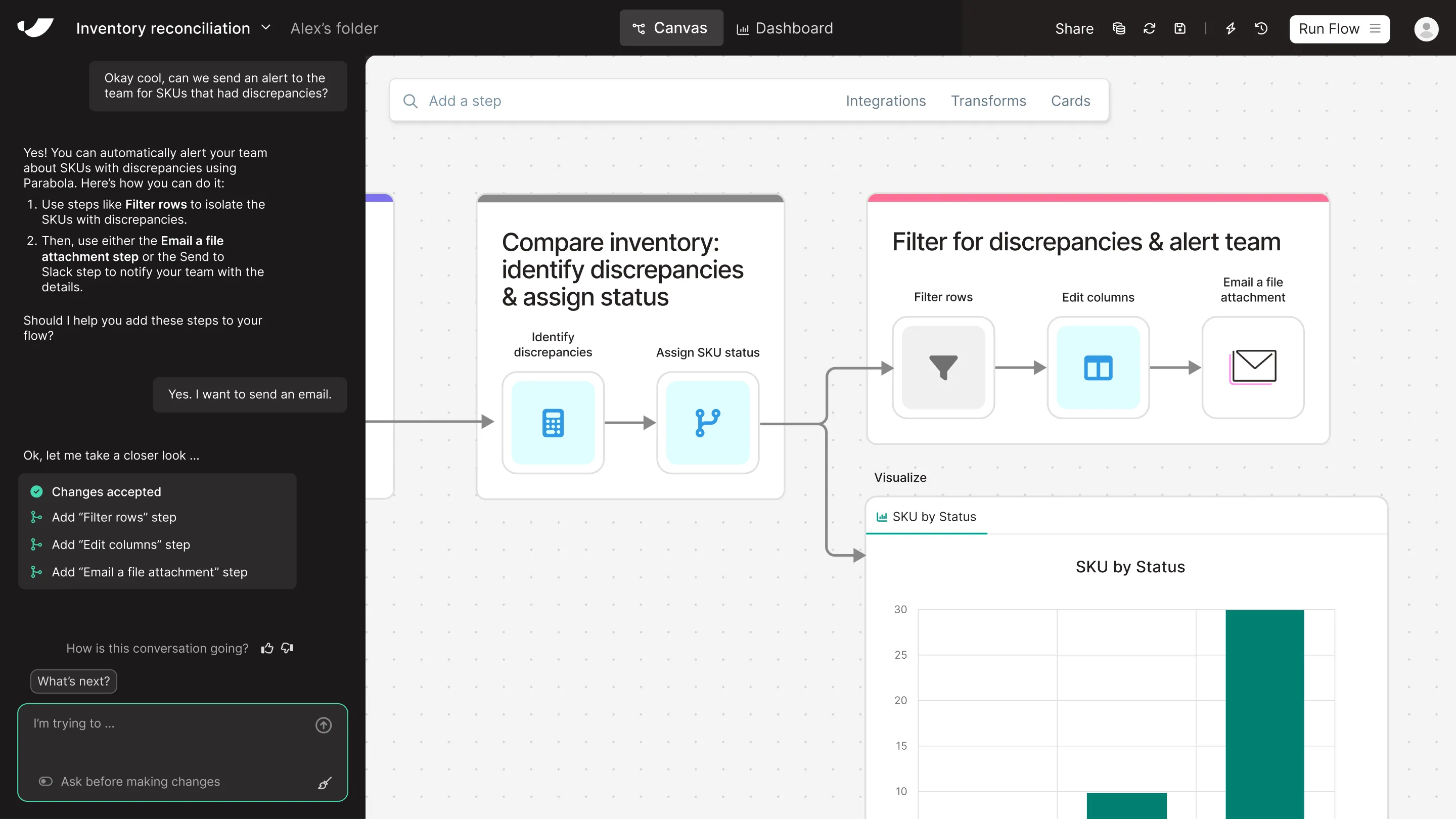

What's the difference between Parabola and Make?
Make offers a flexible visual interface for building automations, but the learning curve grows steep once you need to handle real data. Parabola offers a smoother path: if you’ve used spreadsheets, you already know how to use Parabola. Teams can manipulate messy exports, join data, and build logic-driven workflows—without needing to parse JSON or write expressions. You don’t need to figure it out over weeks. You can build something useful today. And you can do it with zero technical knowledge or support from data teams.
Get a demo




















Parabola vs Make feature comparison



Looking for a Make alternative?
Prove the ROI with Parabola before you're invoiced
and try our risk-free, 45-day proof of concept.
Turn messy data into automated workflows with Parabola.
Parabola vs. Make FAQ
While both platforms offer visual automation, Parabola uses familiar spreadsheet-like operations for data transformation. This means anyone who's used Excel can immediately start building powerful workflows, without learning technical concepts like JSON or complex expressions.
No! Unlike Make, which often requires technical knowledge for complex data handling, Parabola is designed for business users. If you can use a spreadsheet, you can use Parabola effectively – no coding or technical background needed.
Most users create their first meaningful workflow within hours of starting with Parabola. Make's learning curve often extends into weeks for complex data operations, but Parabola's familiar interface means you can be productive from day one.
Parabola handles everything from simple data transformations to complex operations like joins, filters, and conditional logic – all through an intuitive interface. Unlike Make, you won't need to write expressions or parse data formats manually.
Parabola provides clear, actionable feedback at every step of your workflow. You can see your data transformations in real-time and catch issues before they become problems, unlike Make's more technical error handling approach.
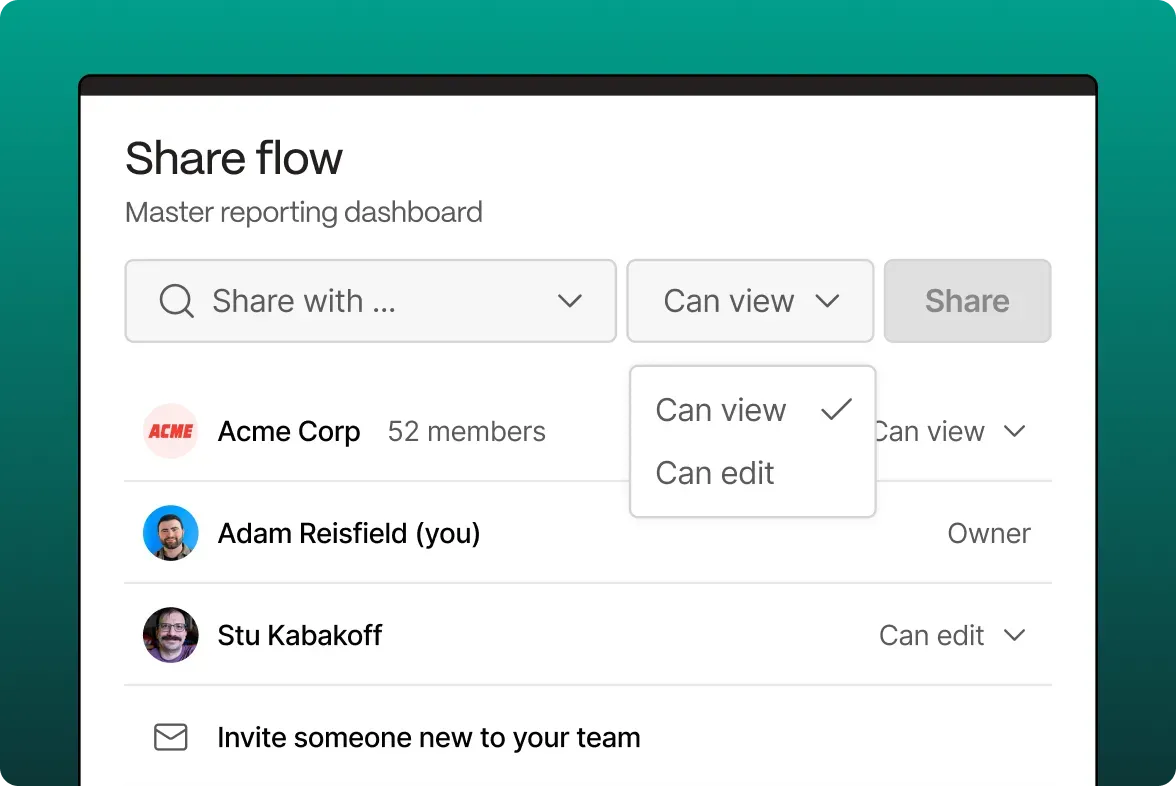
Yes! Parabola is built for team collaboration, with easy sharing, version control, and the ability to clone and modify workflows. Everyone on your team can understand and maintain the automations, regardless of their technical expertise.