The Excel alternative for more nuanced workflows
Discover how Parabola's automated workflow platform offers a powerful alternative to Excel with reliable processes and advanced data transformation capabilities.
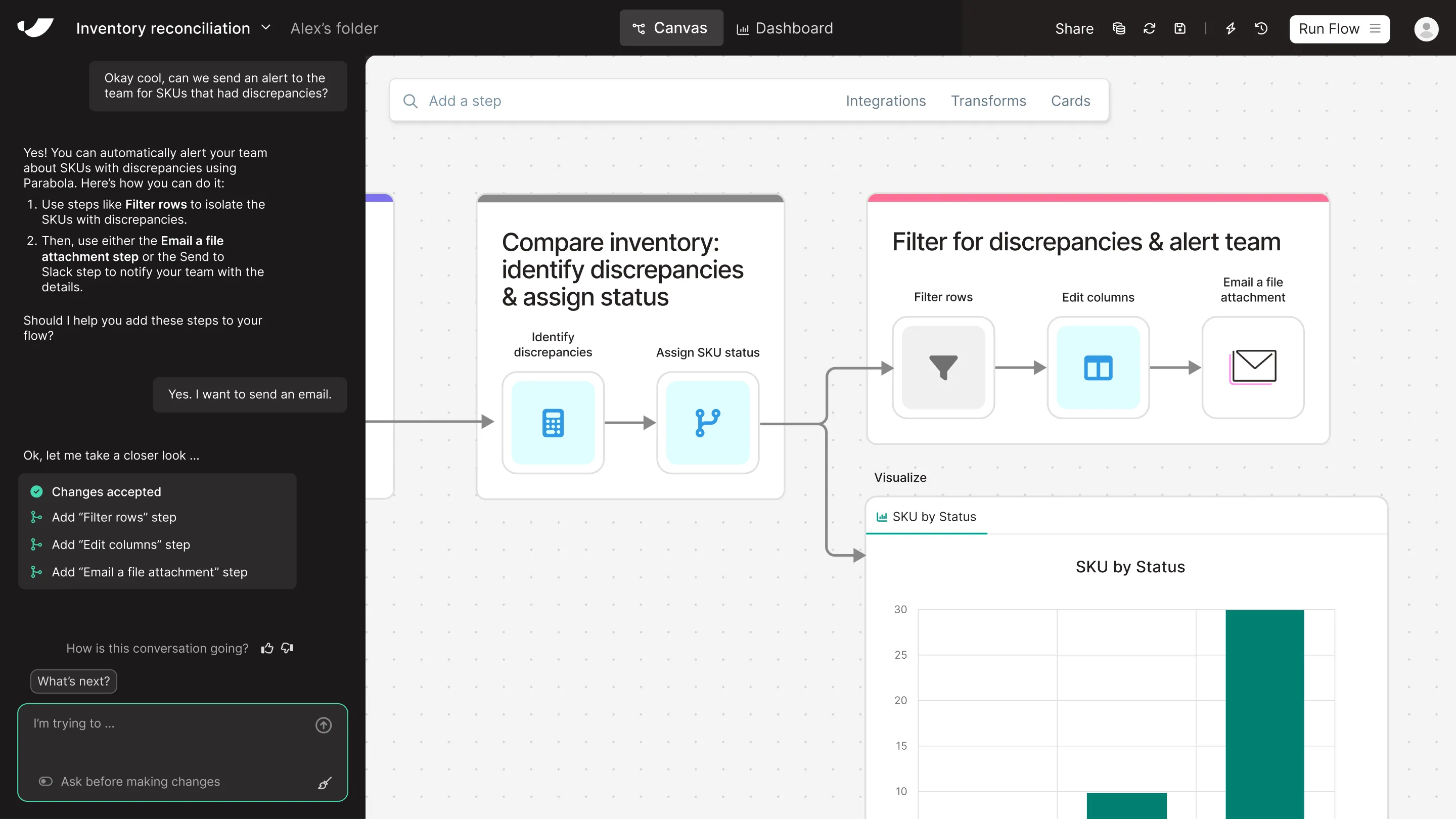

What's the difference between Parabola and Excel?
While Excel is the traditional go-to for data analysis and manipulation, Parabola transforms manual spreadsheet work into automated, reliable workflows. Where Excel requires complex macros and manual updates that can break unexpectedly, Parabola's visual workflow builder enables consistent, automated processes that run without constant maintenance. Our platform eliminates the tedious copying and pasting, formula debugging, and version control issues that Excel users face daily, while providing enterprise-grade automation capabilities that extend far beyond traditional spreadsheet functionality.
Get a demo




















Parabola vs Excel feature comparison



Looking for an Excel alternative?
Prove the ROI with Parabola before you're invoiced
and try our risk-free, 45-day proof of concept.
Turn messy data into automated workflows with Parabola.

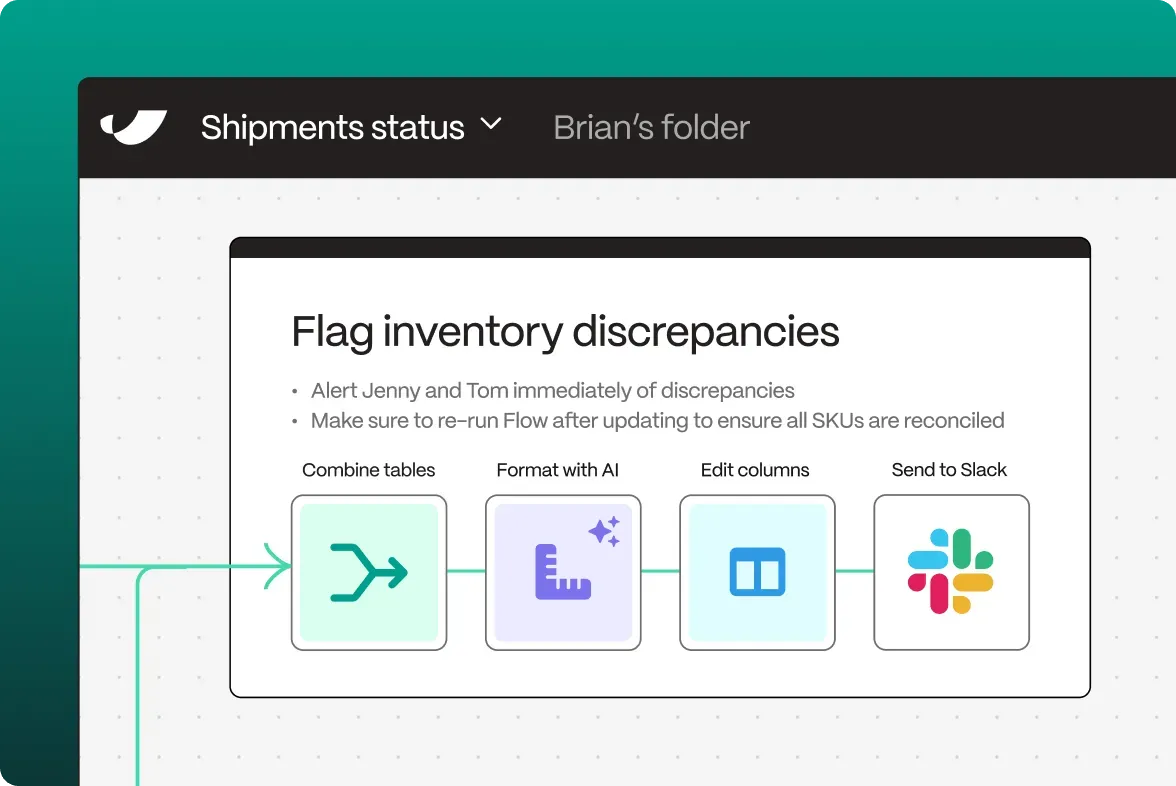

Parabola vs. Excel FAQ
Parabola automates repetitive data tasks that would require manual effort in Excel. While Excel users spend hours updating workbooks and running macros, Parabola executes workflows automatically on schedule with perfect consistency.
Parabola's workflows remain stable and consistent, unlike Excel's formulas and macros that can break with changing data structures. Our platform handles complex operations without the fragility of interconnected spreadsheet dependencies.
While Excel files can be shared, Parabola offers true collaboration with version control and documented workflows. Unlike Excel, where changes can disrupt existing processes, Parabola maintains consistent operations across your entire team.
Absolutely! Parabola seamlessly integrates with Excel, allowing you to import spreadsheet data and export results back while automating all the processes in between.
Parabola processes large datasets efficiently without the performance limitations of Excel. Our platform maintains speed and reliability with data volumes that would crash or slow down traditional spreadsheets.
Parabola offers sophisticated data transformation tools that go beyond Excel's formula and macro capabilities. Our visual interface makes complex operations intuitive, without the need for VBA programming or complex spreadsheet formulas.