

Pull from HubSpot
Use the Pull from HubSpot step to pull Contacts, Companies, Deals, and Engagements from your HubSpot CRM.How to authenticate
1
Add a Pull from HubSpot step to your flow.
2
Click Authorize. A pop-up opens to log in with your HubSpot credentials and approve the connection.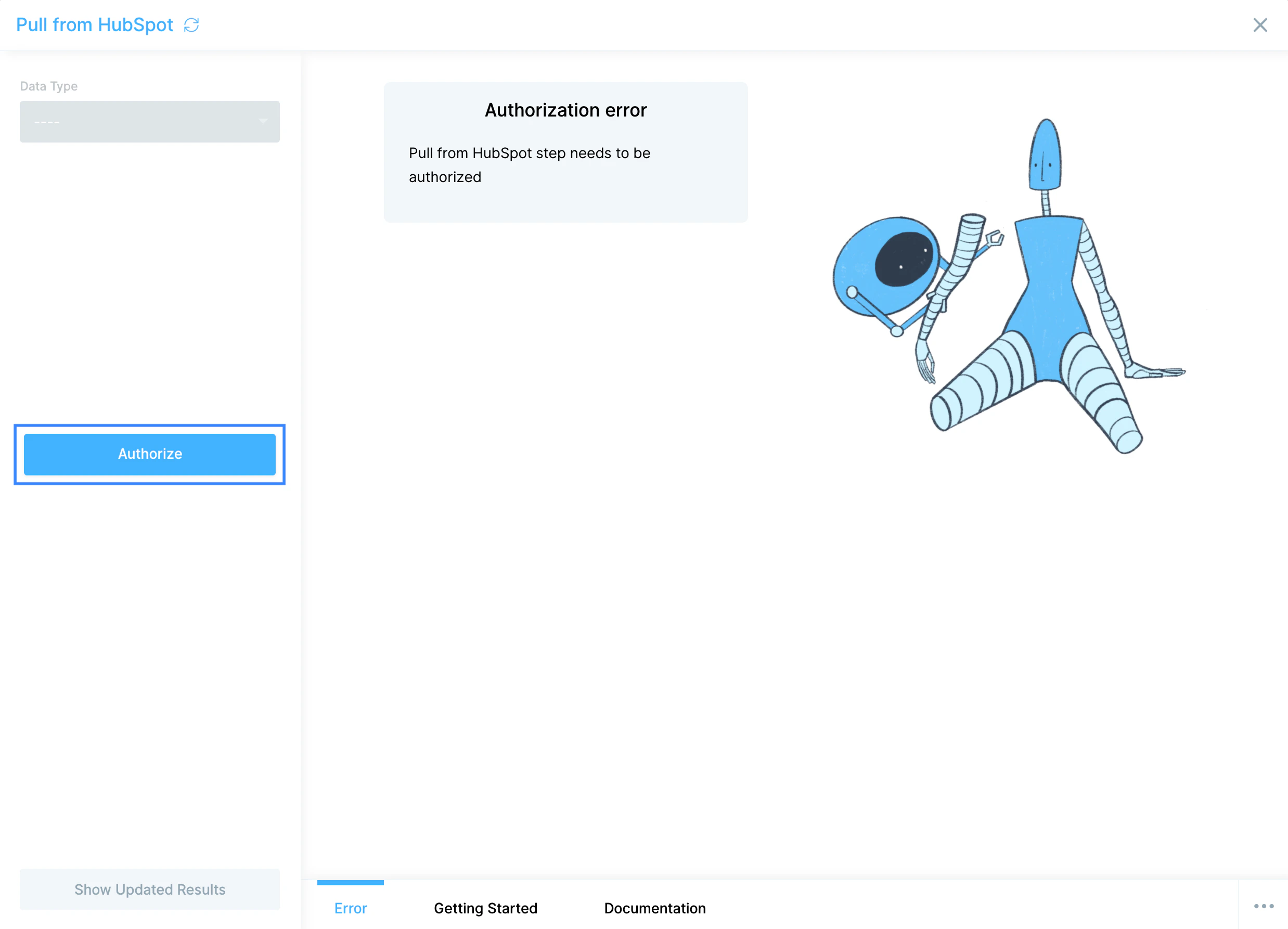
Configure your settings
1
Pick a Data Type: Contacts, Companies, Deals, or Engagements.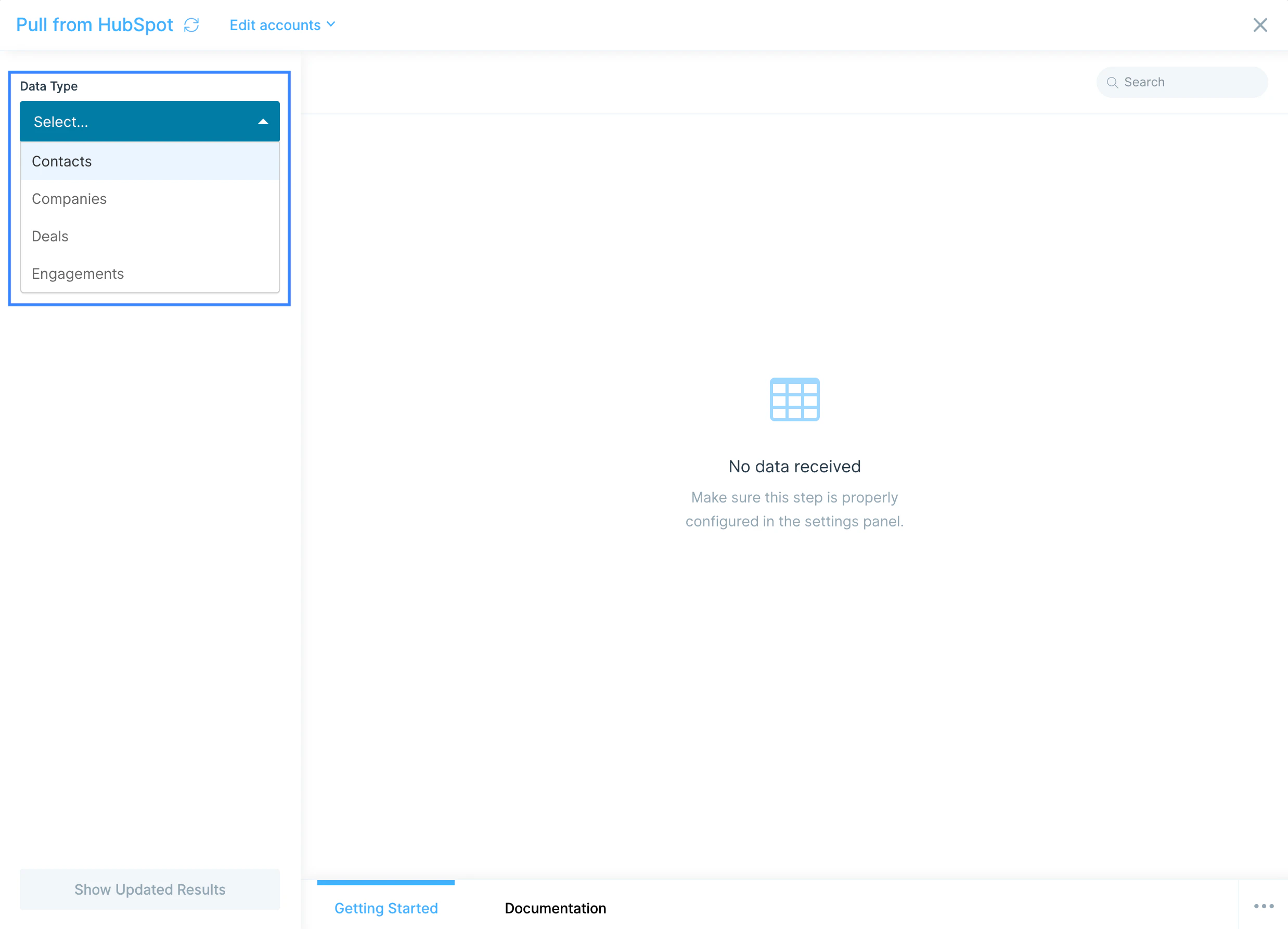
2
Use the Properties dropdown to add or remove columns. By default, the step pulls a starter set of common properties for the selected object.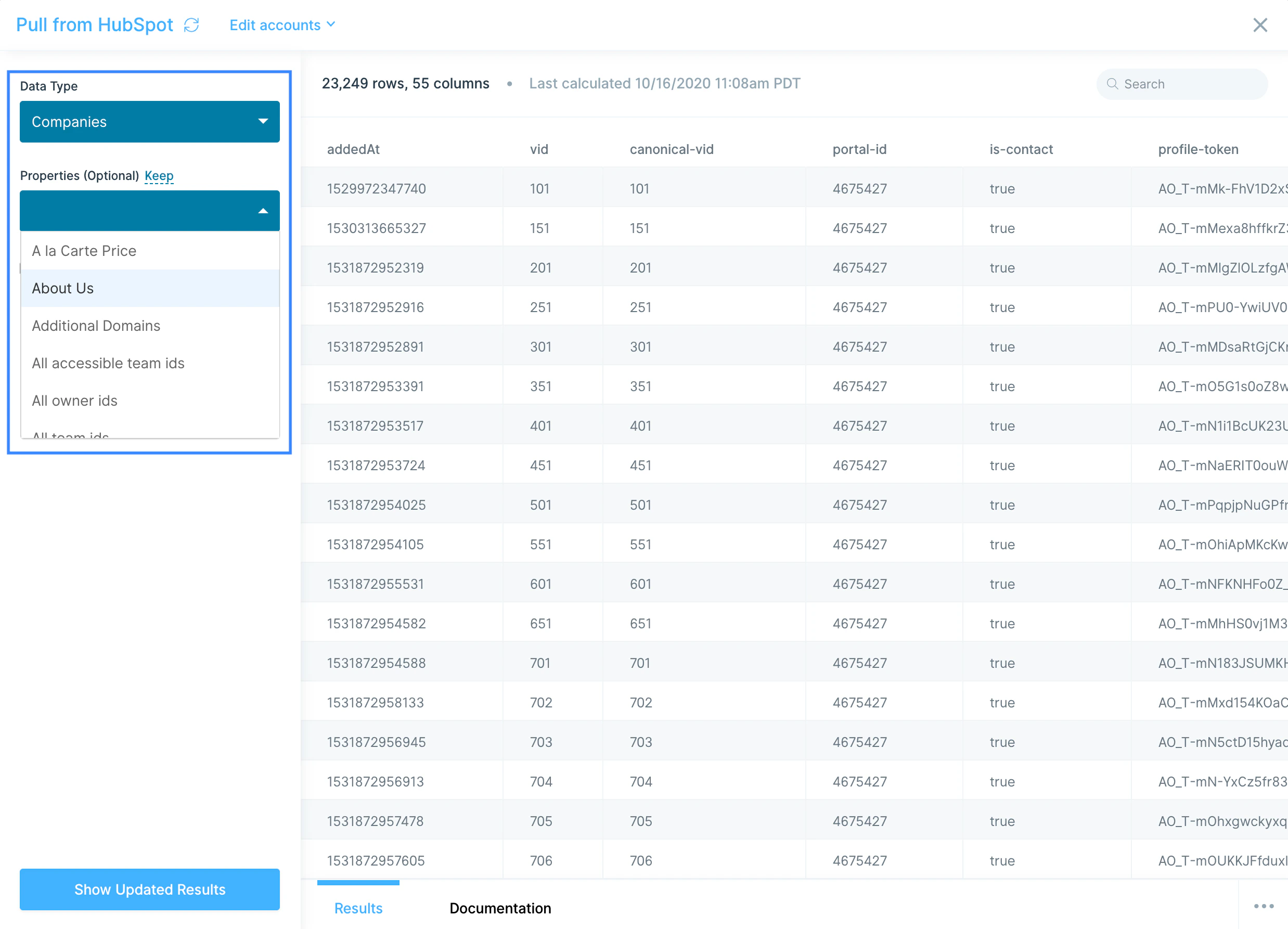
3
For Contacts, Companies, and Deals, optionally toggle Include historical data for all properties to bring in property-change history. Engagements doesn’t support historical data.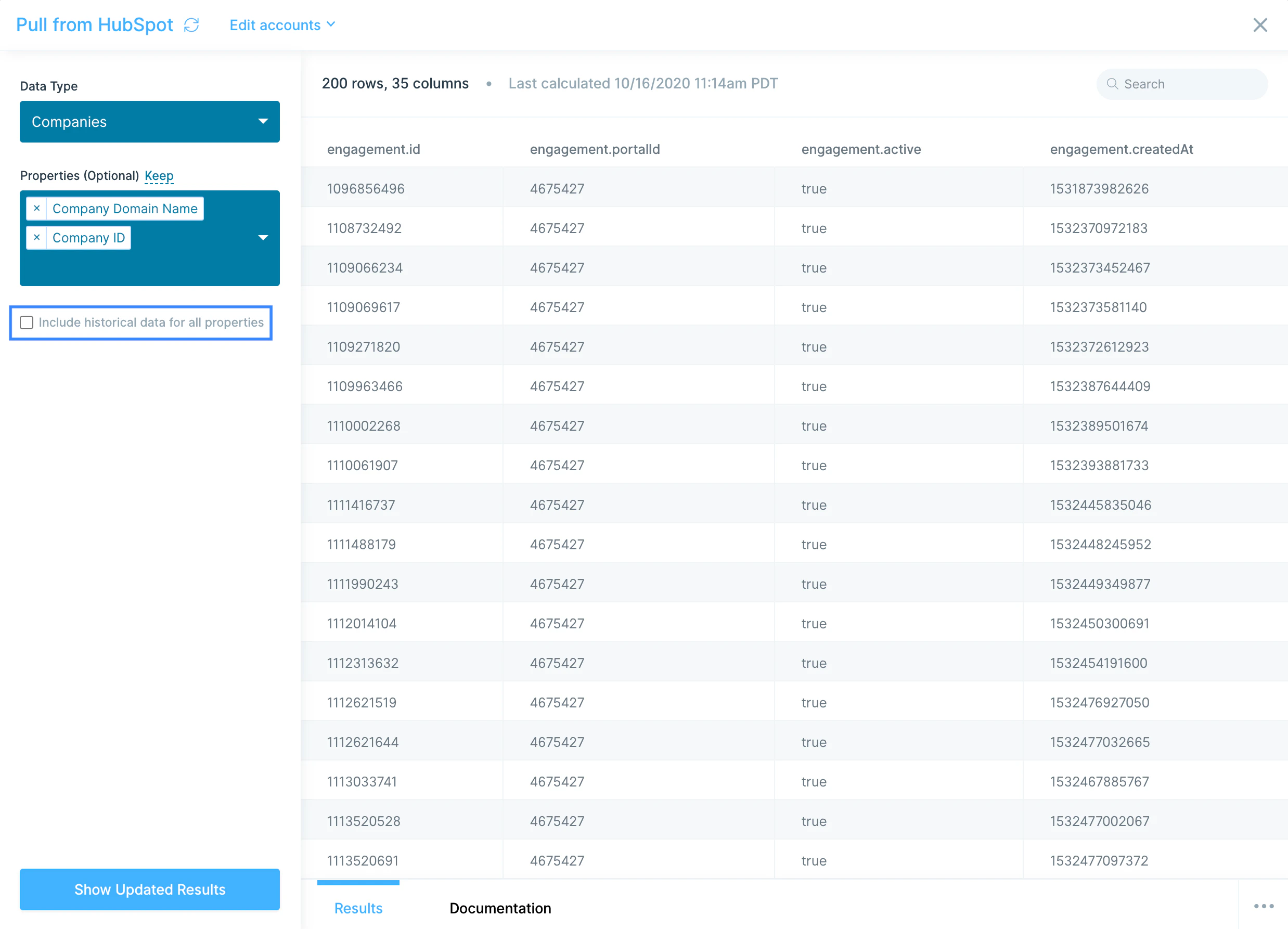
Available data
The native step exposes four object types:- Contacts: person-level records with email, name, lifecycle stage, lead status, owner, source, lifecycle dates, custom contact properties, and (optionally) historical property changes.
- Companies: company-level records with domain, name, industry, size, owner, lifecycle stage, and any custom company properties, with optional history.
- Deals: opportunity records with deal name, amount, stage, pipeline, close date, owner, associated contacts and companies, and custom deal properties, with optional history.
- Engagements: calls, emails, meetings, notes, and tasks logged against contacts, companies, or deals, including the engagement type, owner, timestamp, and outcome.
Send to HubSpot
Use the Send to HubSpot step to create or update Contacts, Companies, and Deals in your CRM.How to authenticate
Click Authorize and log in with your HubSpot credentials.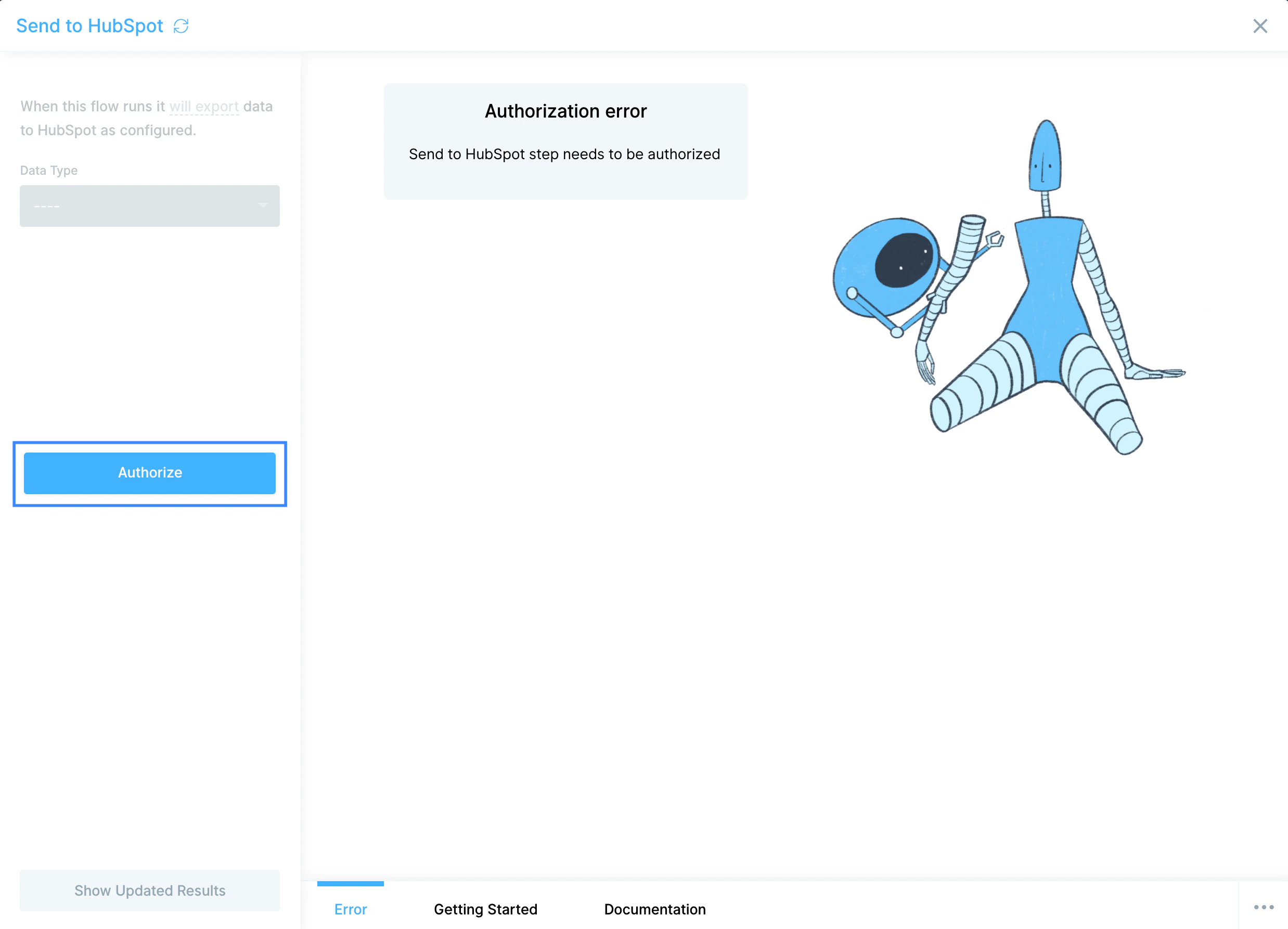
Configure your settings
1
Pick the Data Type to update: Contacts, Companies, or Deals.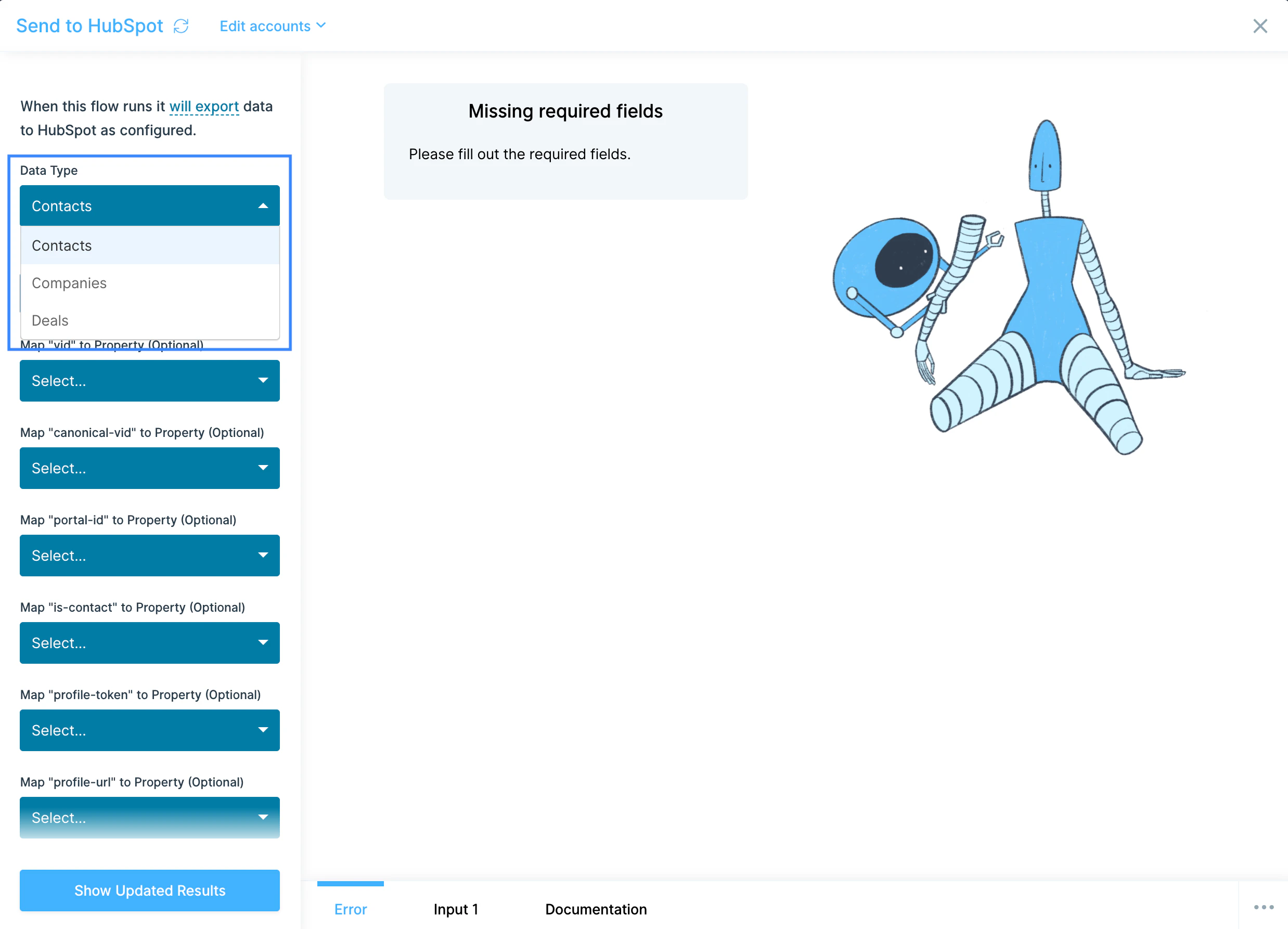
2
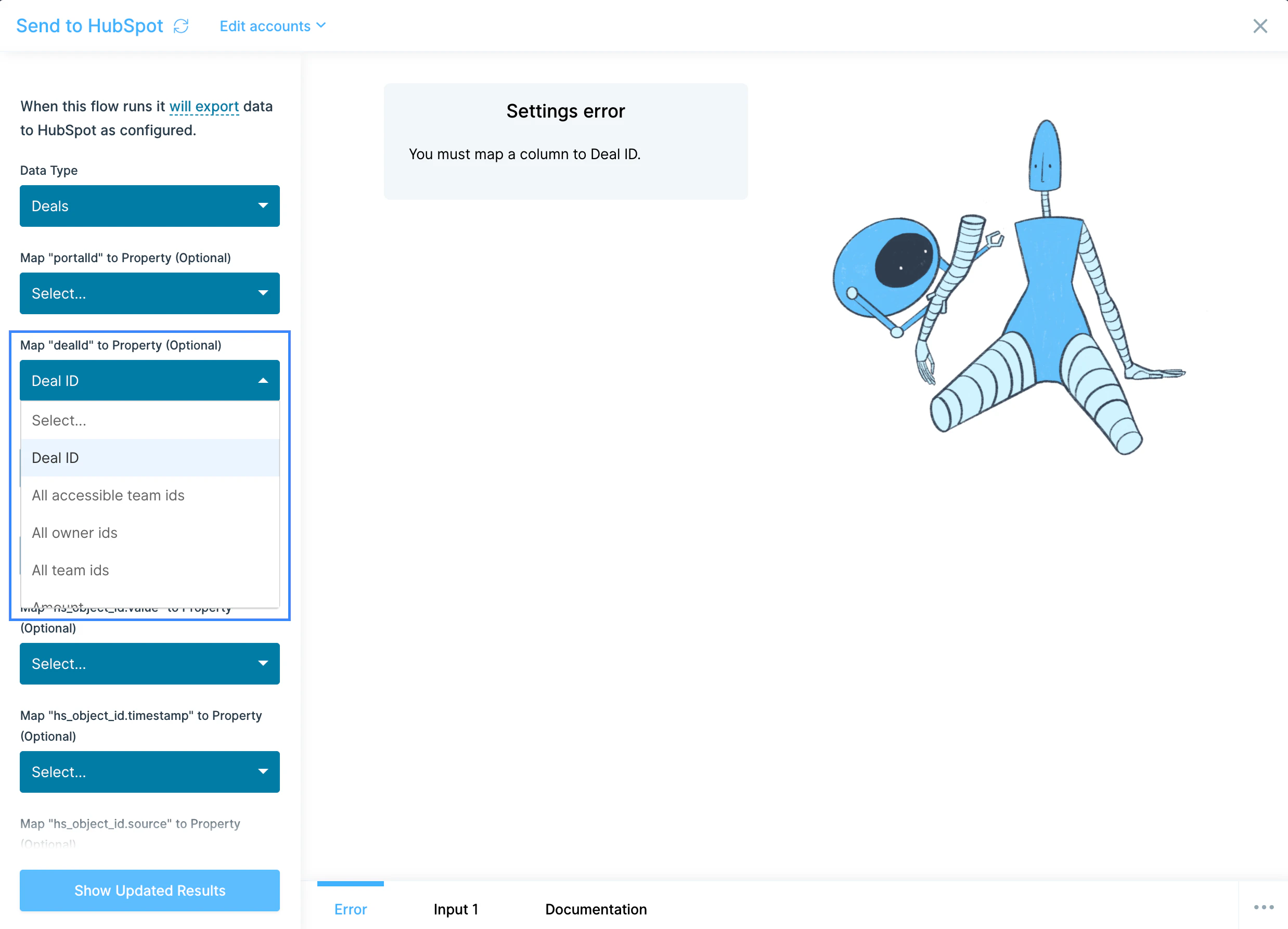
Provide an ID column. Every Data Type needs a column that maps to a unique identifier: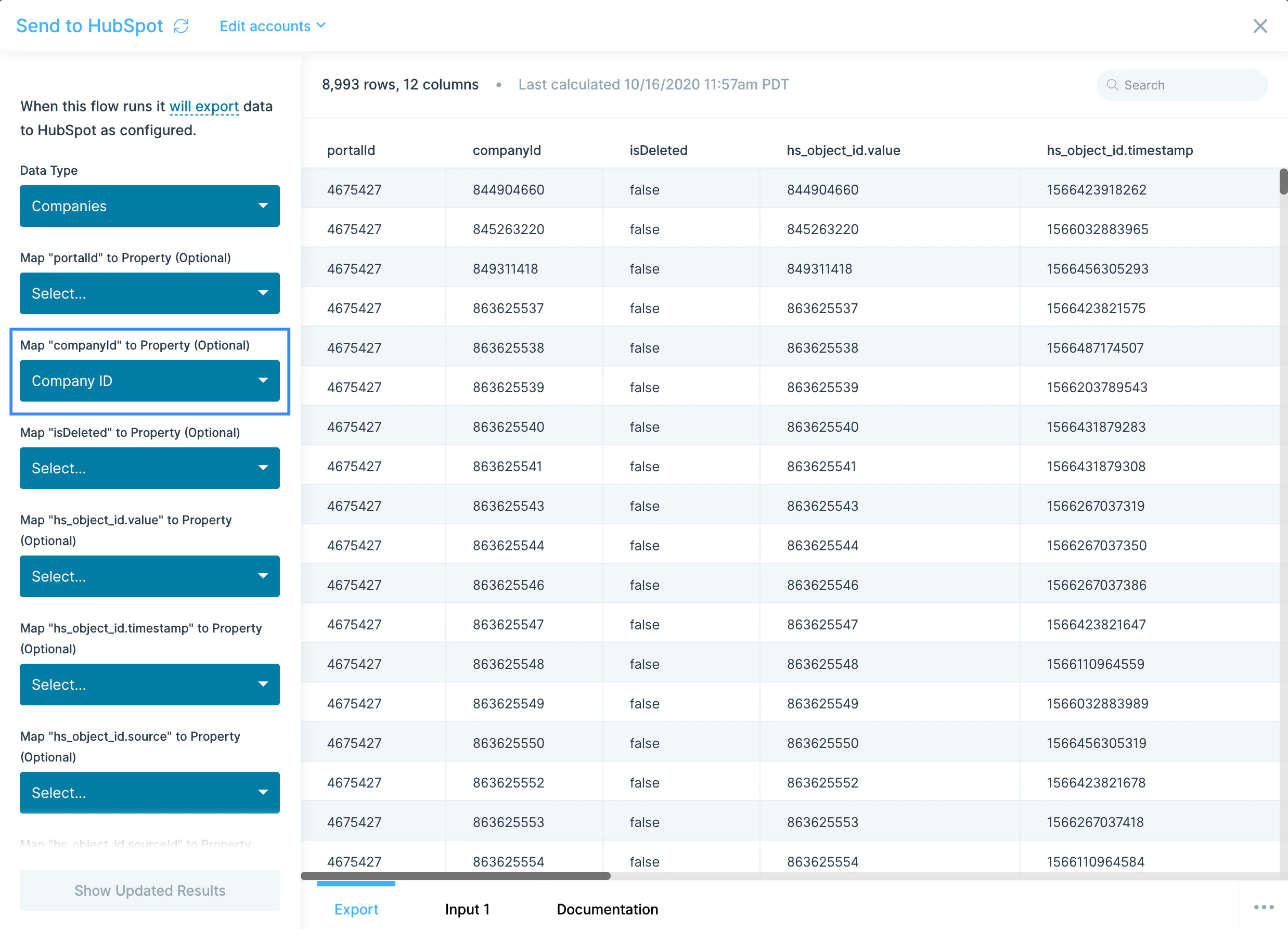
- Contacts:
Emailworks as the unique identifier. - Companies: only
companyIdis accepted. - Deals:
deal IDis required to map your data to an existing deal.
3
Map every column in your dataset to a HubSpot property. Columns you don’t want to send to HubSpot should be removed upstream with a Select columns step before they reach Send to HubSpot. Properties not mapped to a column are optional.
Common use cases
- Sync product activity into the CRM: Push usage and event data from your warehouse (Snowflake, BigQuery, Redshift) into HubSpot contact and company properties so AEs see who’s active before a call.
- Build a marketing-to-sales handoff: Pull HubSpot contacts and lifecycle stages, score against signup and event data, and push the resulting MQL list back into HubSpot for routing, or into Salesforce if your sales team works in SFDC.
- Reconcile deals against billing: Join HubSpot Deals with Stripe charges or QuickBooks Online and NetSuite invoices to confirm closed-won amounts match what was actually billed and collected.
- Sync e-commerce customers as CRM contacts: Push customers from Shopify, Squarespace, or Recharge into HubSpot as contacts, tagged by lifetime value and product, so marketing can run targeted campaigns.
- Build CRM hygiene flows: Pull Contacts, dedupe by email, fix casing on names, normalize country codes, and push the cleaned records back to HubSpot weekly.
- Trigger ops alerts on pipeline movement: When a deal over a threshold flips to a target stage, post a Slack message to the AE and ops channel with deal context and next steps.
Tips for using Prowork with HubSpot
- The native step pulls default properties only. For custom or rarely-used properties, expand the Properties dropdown, and if you need fields the step doesn’t expose, use Pull from an API with a private app token.
- Use the right unique identifier on Send. Email for Contacts,
companyIdfor Companies,deal IDfor Deals. Mismatched IDs cause failed updates without obvious errors. - Strip extra columns before Send to HubSpot. Every column reaching the step must map to a HubSpot property. Use Select columns upstream to keep only what you intend to write.
- Match cadence to use case. Hourly for live MQL routing, daily for CRM hygiene and lifecycle reporting, weekly for pipeline analytics.
- Watch for silent Send failures. A failed Send to HubSpot doesn’t always surface a detailed error. If a downstream check shows missing updates, contact help@parabola.io.
- Combine HubSpot with marketing tools. Pair pulls with Mailchimp, Klaviyo, or Facebook Ads to compute blended CAC, list overlap, and channel-level ROI.
FAQ
Can I pull HubSpot Tickets, Lists, or custom objects?
The native Pull from HubSpot step covers Contacts, Companies, Deals, and Engagements. For Tickets, Lists, Owners, Products, Line Items, Workflows, and custom objects, use Pull from an API with a HubSpot private app token.Does Prowork support HubSpot webhooks?
The native step is API-pull only. For event-driven flows (new contact created, deal stage changed), point a HubSpot webhook at Prowork’s webhook trigger on a separate flow.Why doesn’t the Send to HubSpot step show me an error when records fail?
The HubSpot API doesn’t always return granular error responses on bulk updates. If you’re seeing missing updates or unexpected behavior, contact help@parabola.io with the flow and run details.How do I write custom properties back to HubSpot?
Send to HubSpot lets you map any column to a custom property that exists on the object in HubSpot. Make sure the property exists in HubSpot first. Prowork won’t create it for you. For more advanced writes, use Send to an API against the HubSpot CRM API.Can I pull from multiple HubSpot accounts in one flow?
Yes. Add multiple Pull from HubSpot steps and authorize each one against a different HubSpot login, then union the results downstream.With HubSpot and Prowork connected, the manual exports and CSV imports your revenue team relies on (list cleaning, lifecycle scoring, deal-to-billing reconciliation) run on a schedule, with clean data moving in and out of the CRM where sales and marketing actually work.