Split names
Use the Split names step to split a full name value into smaller parts (first, middle, last, etc.).
Input/output
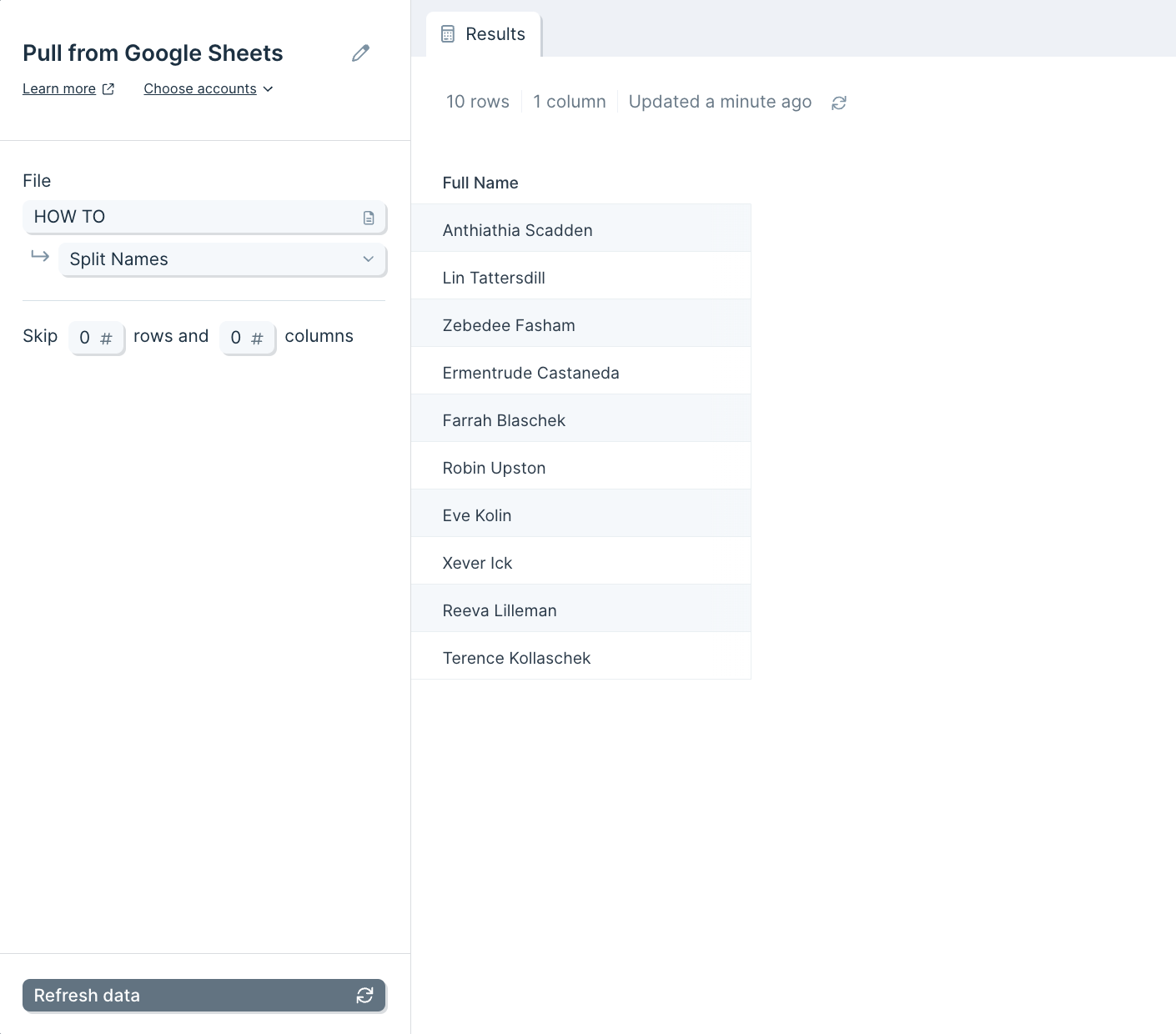
Your input data should consist of a column of full names.
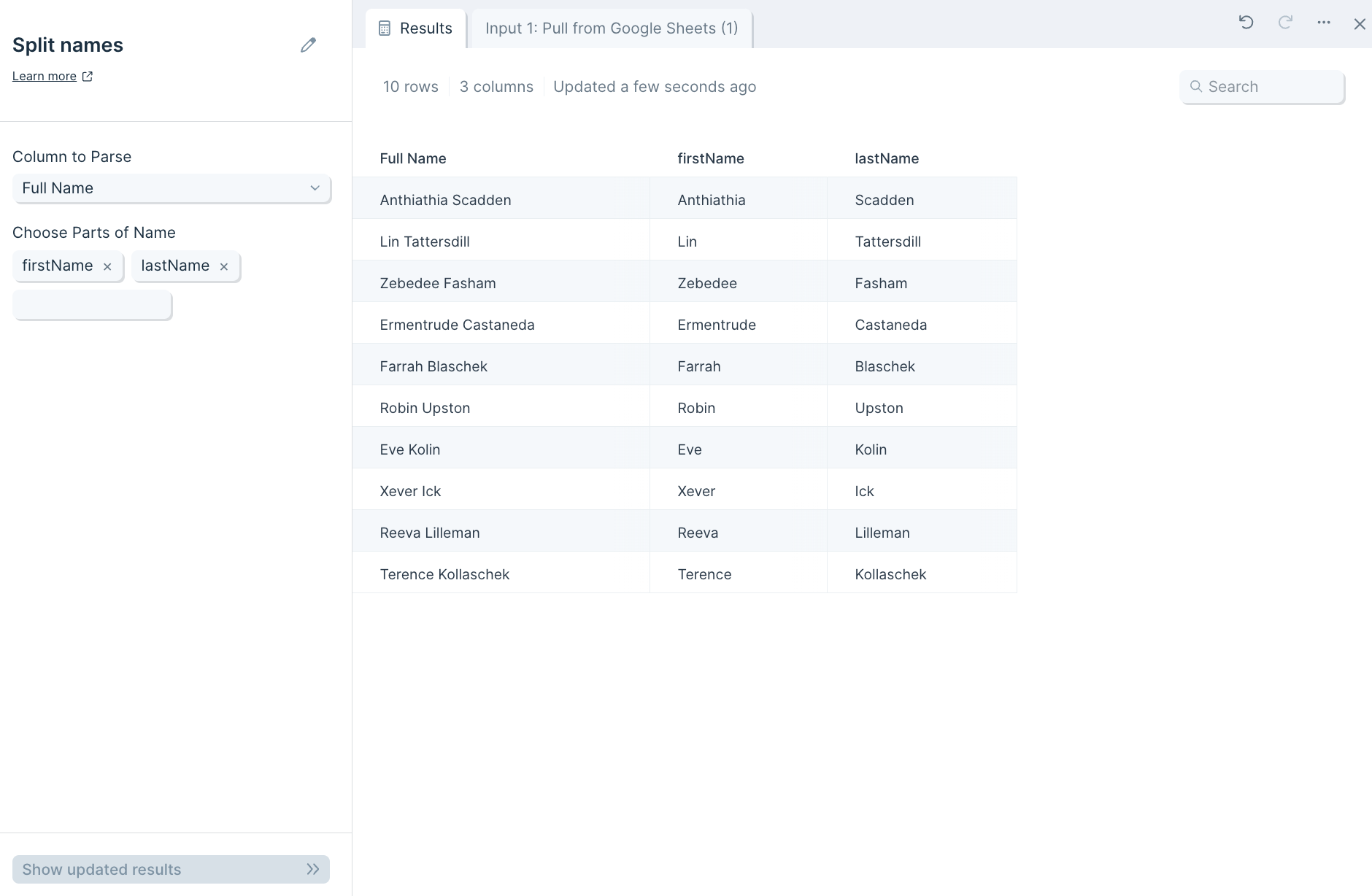
Your output will have multiple new columns of your names, separated into their parts, depending on the parts of the name you chose to split.
Custom settings
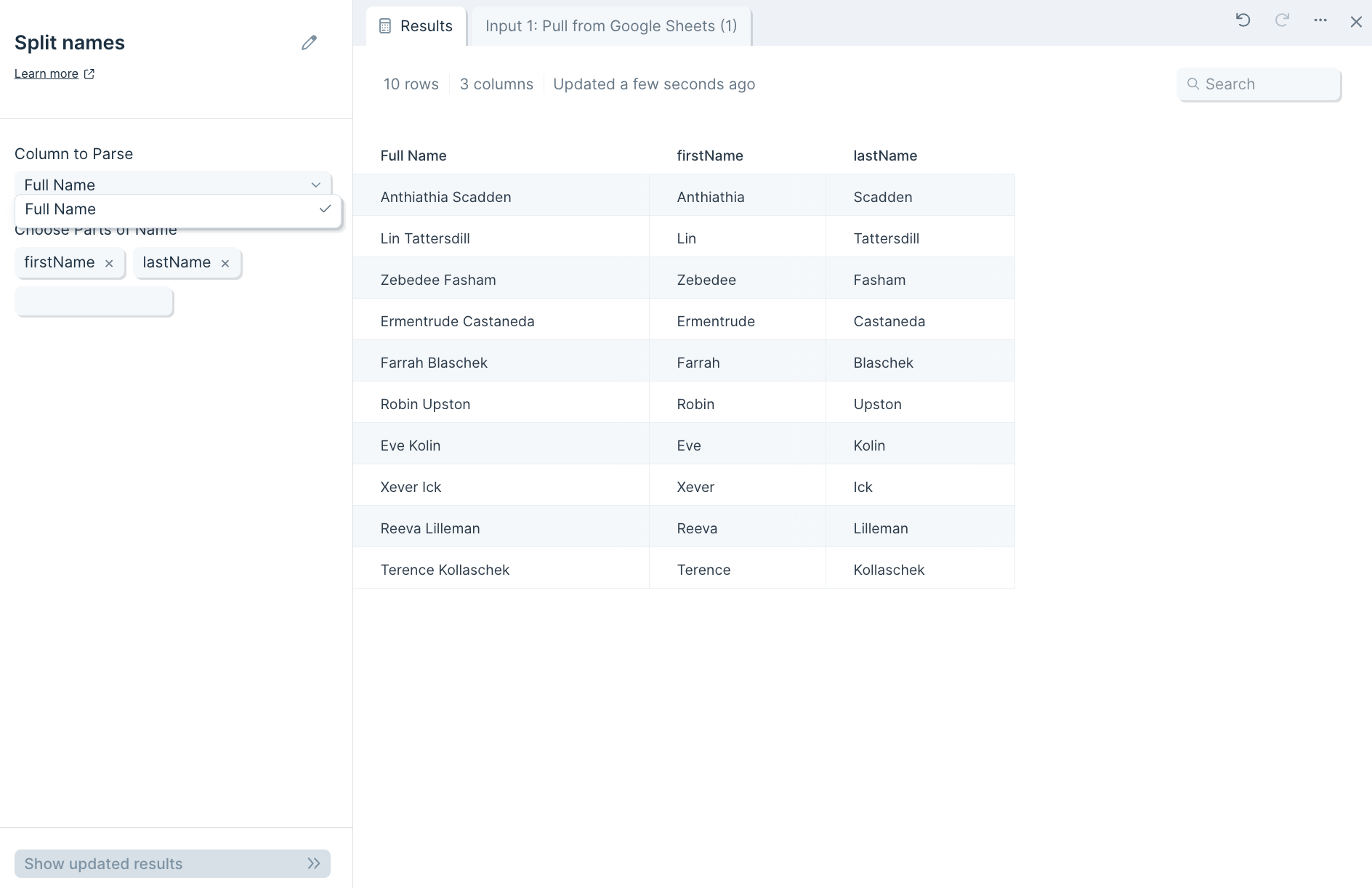
First, select the column that has the names you'd like to split by selecting it in the Column to Parse dropdown.
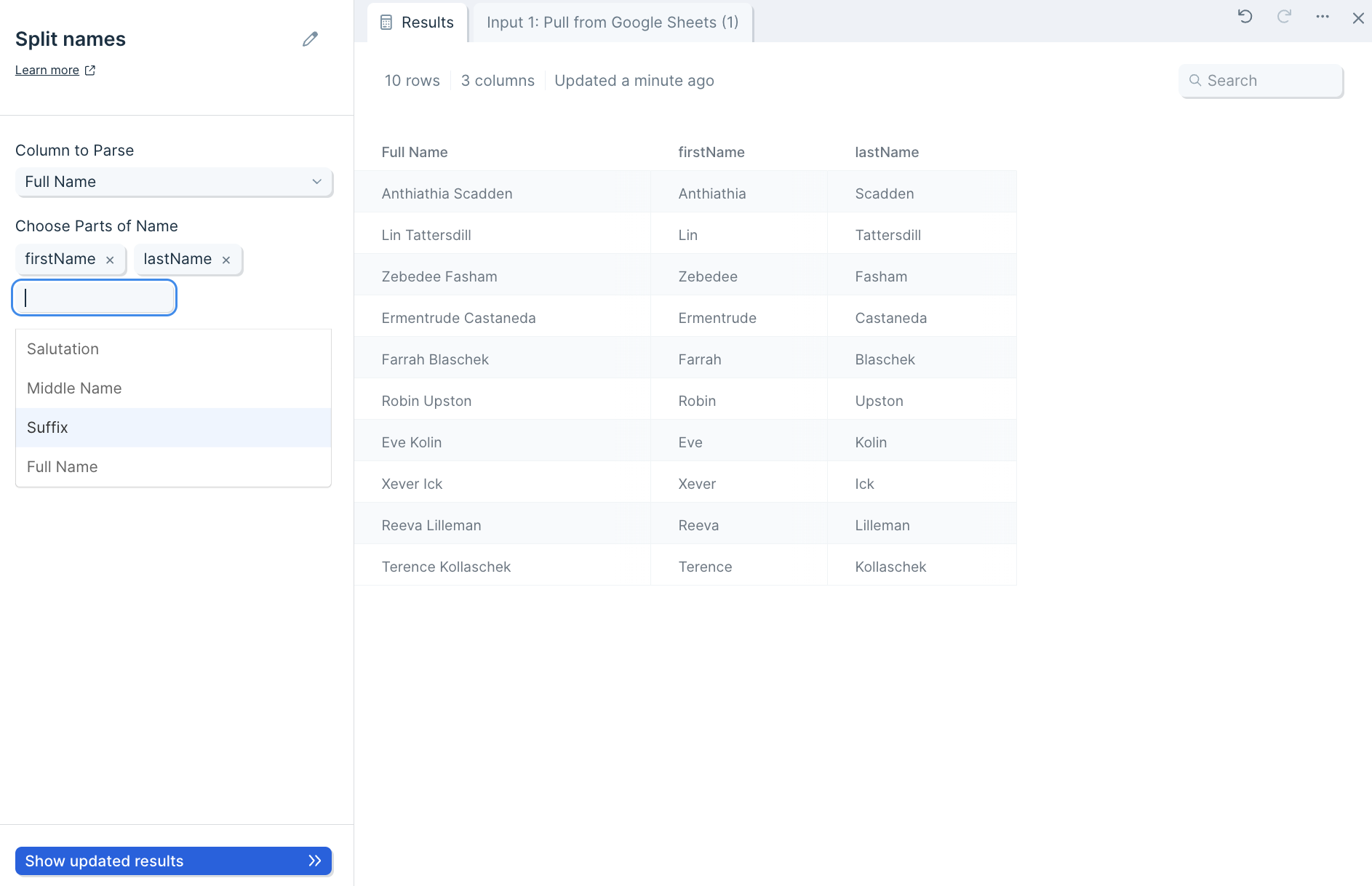
Next, pick the category that you want your full names broken down into by selecting them in the Choose Parts of Name dropdown.
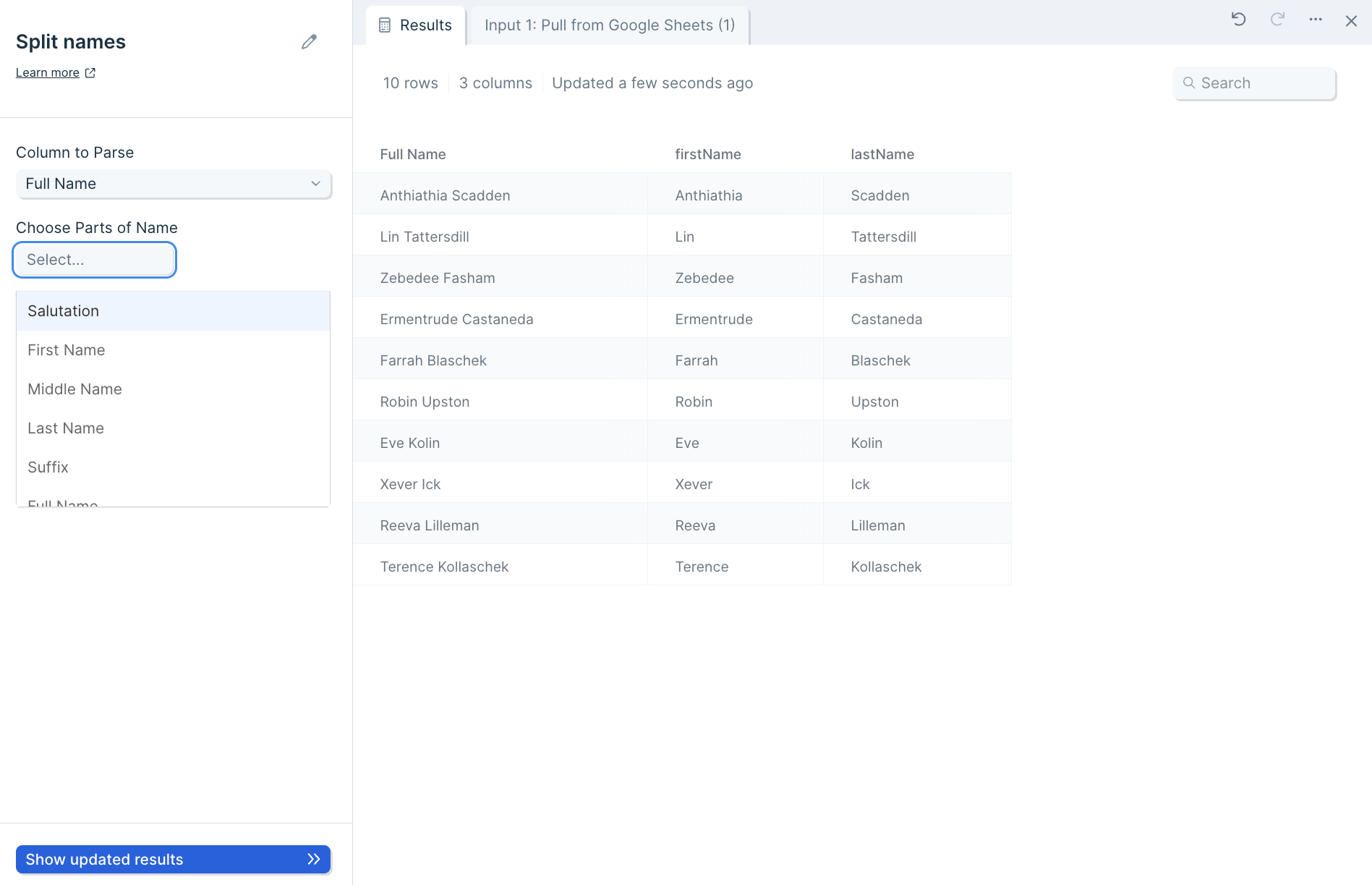
You can select multiple parts in this dropdown, including Salutation, First Name, Middle Name, Last Name, Suffix, and Full Name.
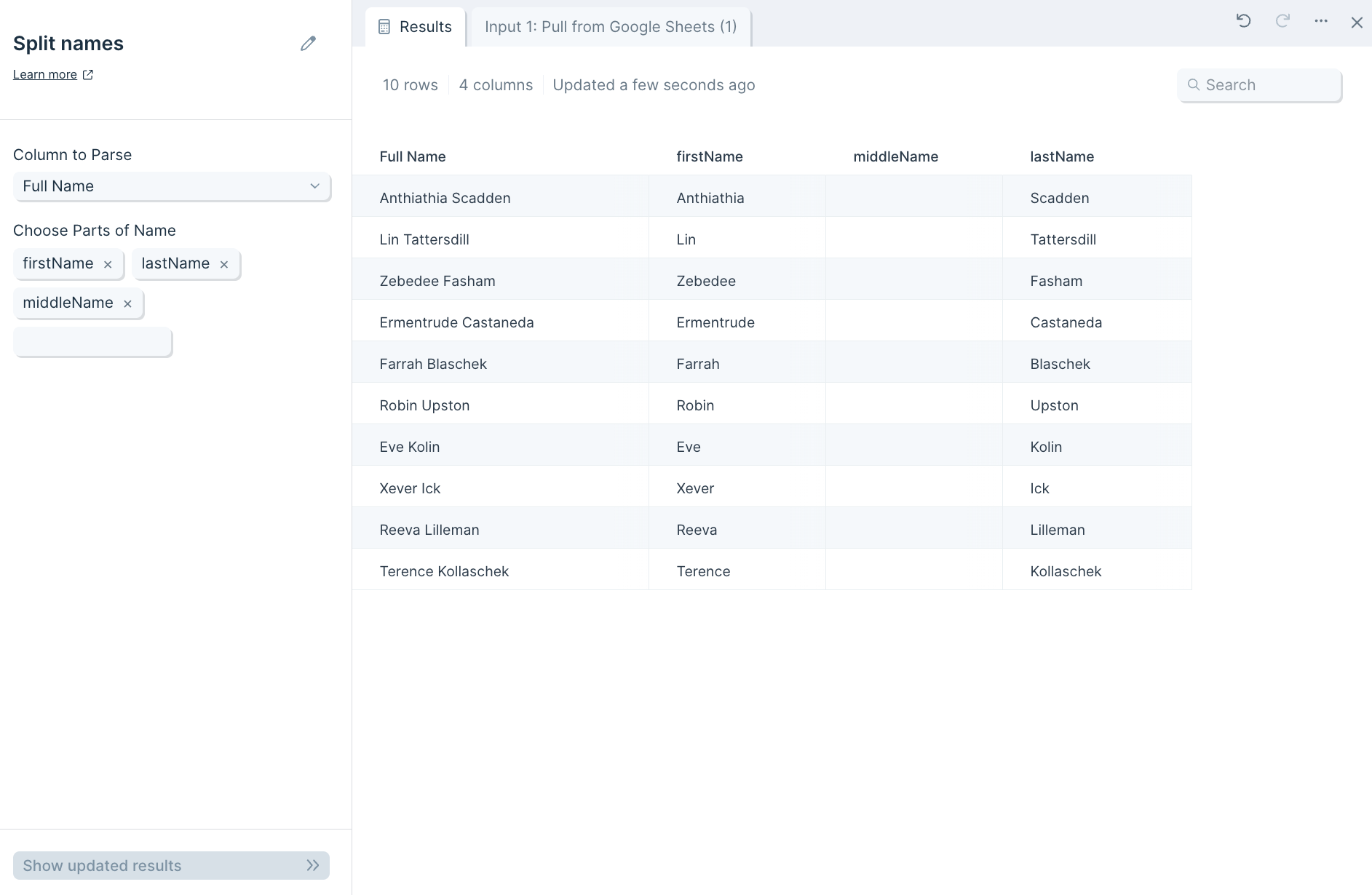
If you select a part that does not exist in a name, the row's column will appear blank.
Helpful tips
- Names ending in a comma may not be parsed.
- Names such as "Mister" may be parsed as the salutation, as opposed to the name.